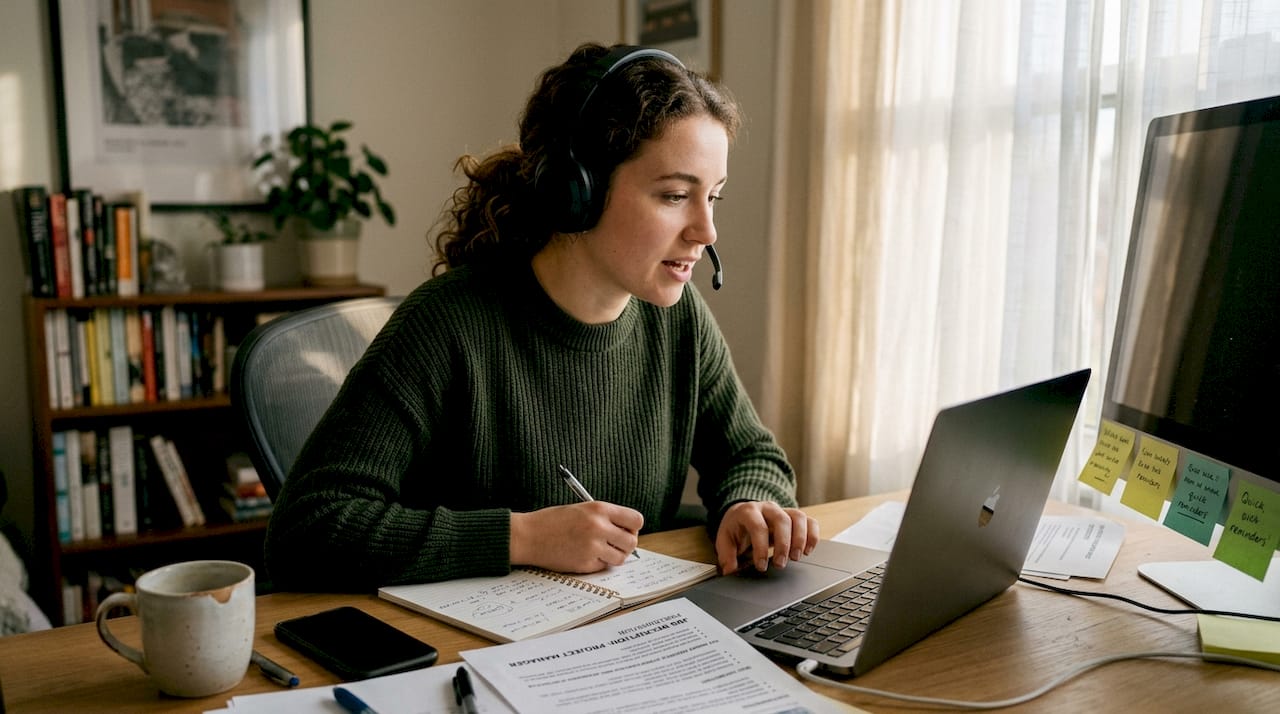
How to simulate interview settings: AI step-by-step guide

TL;DR:AI-driven simulation tools provide realistic, pressure-tested interview practice with instant feedback.Regular practice with AI boosts confidence and improves answer structure, pacing, and performance faster.Combining AI simulations with human feedback creates the most effective preparation for job interviews.
Most job seekers know the feeling: you’ve prepared for weeks, but the moment someone asks “Tell me about yourself,” your mind goes blank. Traditional mock interviews with friends or career coaches help, but they rarely replicate the pressure of a real interview. The good news is that AI-driven simulation tools have changed the game entirely. They create realistic, pressure-tested environments where you can practice, fail, learn, and improve without any real-world consequences. This guide walks you through everything: the right tools, the exact steps, common mistakes, and how to measure your growth.
Table of Contents
- Understanding interview simulation and its benefits
- Tools and requirements for simulating realistic interview settings
- Step-by-step: How to run your own AI-driven interview simulation
- Troubleshooting and avoiding common mistakes in interview simulations
- Measuring progress and maximizing results from your simulations
- Our perspective: What most guides miss about interview simulation
- Take the next step with advanced AI interview tools
- Frequently asked questions
Key Takeaways
| Point | Details |
|---|---|
| AI-driven prep boosts confidence | Simulating interviews with AI tools raises confidence and skill at a much faster pace. |
| Right tools and environment matter | Using quality AI tools and simulating a real interview environment yields more accurate practice results. |
| Feedback accelerates improvement | Combining AI feedback with peer or coach insights leads to the best learning outcomes. |
| Track and repeat for best results | Regularly reviewing, scoring, and repeating your mock interviews ensures continuous progress. |
Understanding interview simulation and its benefits
Interview simulation is exactly what it sounds like: a structured practice environment that mimics the conditions of a real job interview. The goal is to build muscle memory, reduce anxiety, and sharpen your responses before the stakes are real.
There are three main styles of interview simulation:
- AI-driven simulation: Software uses natural language processing to ask questions, evaluate your answers, and provide instant scored feedback.
- Peer mock interviews: A friend or colleague plays the interviewer role. Low cost, but feedback quality varies.
- Professional coaching: A career coach or recruiter runs the session. High quality, but expensive and hard to schedule frequently.
AI-driven simulation stands out because it removes two major barriers: cost and availability. You can practice at midnight, repeat the same question twenty times, and get consistent, objective feedback every single time. That consistency is something no human mock interviewer can match.
The data backs this up. 78% of candidates report higher confidence after AI-driven mock interview practice. That confidence boost is not just psychological. It translates directly into clearer answers, better pacing, and stronger first impressions during real interviews.
The mock interview benefits go beyond confidence. Candidates who use simulation tools develop better answer structure, learn to manage time under pressure, and identify weak spots they didn’t even know existed. The best outcomes come from a hybrid approach: use AI-powered job interview tools for volume and consistency, then layer in human feedback for nuance and emotional intelligence.
Why do traditional mock interviews fall short? Because they depend on the quality and availability of the person helping you. Most friends don’t know how to give structured feedback. Most coaches can only meet once a week. AI simulation solves both problems by being always on and always objective.
Tools and requirements for simulating realistic interview settings
With a clear grasp of what simulation delivers, let’s get practical by assembling the right tools and environment.
Before you open any app, make sure you have these essentials in place:
- A reliable device (laptop or desktop preferred over mobile)
- Stable internet connection, at least 10 Mbps
- A quiet, distraction-free space
- A functioning webcam and external microphone if possible
- An AI simulation platform that fits your target role and industry
Here’s a quick comparison of popular AI-driven mock interview tools to help you choose:
| Tool | Key features | Cost | Realism | Scoring |
|---|---|---|---|---|
| Parakeet AI | Real-time answers, live interview support | Subscription | Very high | Yes |
| Interview Warmup | Google-backed, voice input | Free | Moderate | Basic |
| Yoodli | Speech analytics, filler word detection | Freemium | High | Yes |
| Big Interview | Video responses, coach library | Paid | High | Yes |
Research confirms that AI can match human graders in accuracy. GPT-3.5 matches human grading in mock assessments, which means the scores you get from these tools are genuinely meaningful, not just algorithmic noise.
Beyond the basics, a few optional add-ons can sharpen your simulation significantly. Dress in interview-appropriate clothing. It sounds unnecessary, but it shifts your mindset into professional mode. Good lighting, ideally a ring light or a window in front of you, also matters because it forces you to look presentable on camera, just like you would in a real video interview.

Explore interview question generator tools to expand your question bank beyond what any single platform offers. For remote roles specifically, check out AI tools for remote interviews to find platforms optimized for video-first formats.
Pro Tip: Treat your simulation space like a real interview location. Close unnecessary browser tabs, silence your phone, and tell anyone nearby that you’re unavailable for the next 30 minutes. The more seriously you treat the setup, the more realistic the practice becomes.
Step-by-step: How to run your own AI-driven interview simulation
Once you’re set up, it’s time to put everything into action with an organized simulation process.
- Choose your platform and create an account. Pick a tool from the comparison table above based on your budget and target role. Complete your profile so the AI can tailor questions to your industry.
- Select your question type and difficulty. Start with behavioral questions (“Tell me about a time when…”) before moving to technical or situational ones. Most platforms let you set difficulty levels.
- Run a full simulation without pausing. Resist the urge to stop and restart mid-answer. Real interviews don’t offer do-overs, and practicing through discomfort is where real growth happens.
- Review your AI score and feedback immediately. Pay attention to structure scores, keyword usage, and pacing metrics. These are the areas where AI-driven mock interviews give you an edge over peer practice.
- Record and replay your responses. Watch yourself back with the sound off first. You’ll notice body language habits you’d never catch otherwise.
- Adjust and repeat. Focus your next session on your lowest-scoring area. Repetition with targeted feedback is what drives real improvement.
The numbers are compelling. AI users improve 42% faster when they practice with scored feedback compared to unstructured practice. That gap is massive when you’re preparing for a role you really want.
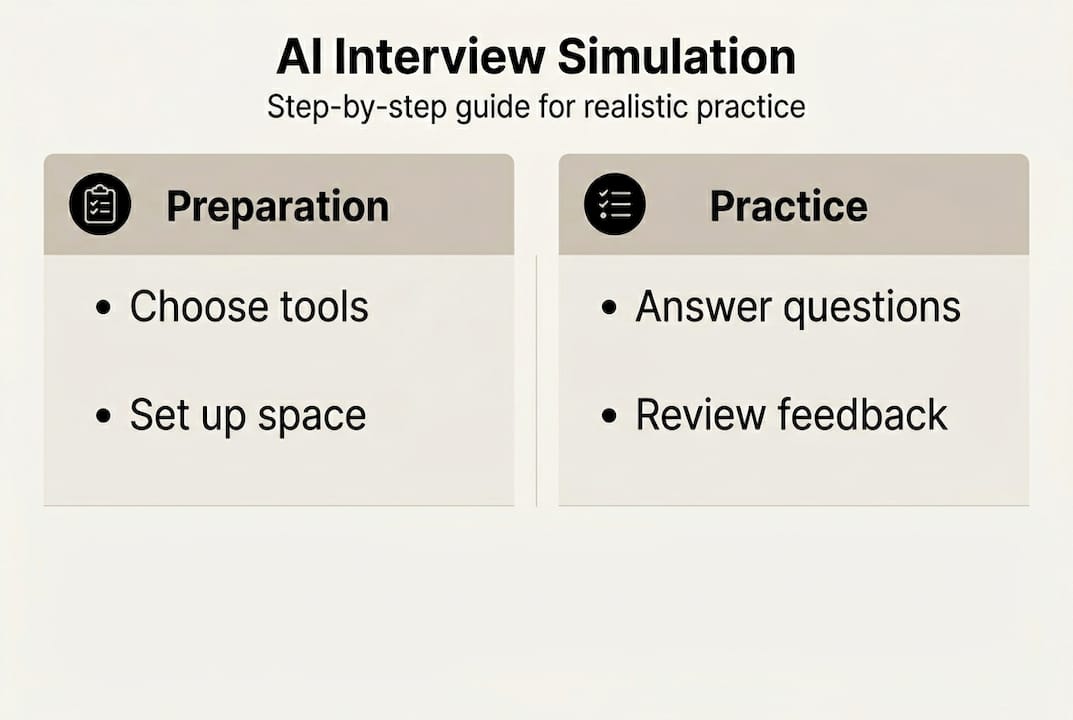
Here’s a simple progress tracking table you can replicate in a notebook or spreadsheet:
| Session | Date | Question type | AI score | Key improvement area |
|---|---|---|---|---|
| 1 | Week 1 | Behavioral | 62% | Answer structure |
| 2 | Week 1 | Situational | 70% | Pacing |
| 3 | Week 2 | Technical | 75% | Specificity |
Pro Tip: Practice three to four times per week, not every day. Spacing your sessions gives your brain time to consolidate what you’ve learned. Follow the mock interview sequence that moves from easy to hard question types across multiple sessions.
Troubleshooting and avoiding common mistakes in interview simulations
Even with a solid process, mistakes happen. Here’s how to avoid them and get the most from your efforts.
The most common pitfalls candidates fall into during AI-driven simulations include:
- Treating it casually. Practicing in pajamas, with background noise, or while multitasking destroys the realism that makes simulation effective.
- Ignoring the feedback. Getting a score of 65% and moving on without understanding why is the single biggest waste of your practice time.
- Over-relying on AI alone. AI is excellent at scoring structure and language, but it can’t fully assess your interpersonal warmth or cultural fit signals.
- Only practicing technical questions. Behavioral and situational questions trip up more candidates than technical ones. Balance your question mix.
“The biggest mistake candidates make is practicing answers instead of practicing interviews. An interview is a conversation, not a performance. Simulation only works when you treat it that way.”
The fix for most of these mistakes is simple: raise your standards for what counts as a “real” practice session. Dress up. Sit at a desk. Give every answer your genuine best effort.
For the AI-only limitation, supplement your sessions with at least one peer or coach review per week. Hybrid AI and human simulations consistently produce the best performance gains because they cover both objective scoring and subjective human impression. Understanding why automating job interviews works helps you appreciate what AI handles well, and where human input fills the gaps. Learning to leverage AI for interviews strategically means knowing its limits, not just its strengths.
Measuring progress and maximizing results from your simulations
After implementing and fine-tuning your simulation routines, it’s critical to check your progress and adjust for even better results.
Here’s a structured way to measure your improvement over time:
- Track your AI scores session by session. A consistent upward trend, even small gains, confirms your practice is working.
- Monitor your answer structure. Are you using the STAR method (Situation, Task, Action, Result) more naturally? Structure improvement is a leading indicator of interview readiness.
- Count filler words. Tools like Yoodli flag “um,” “like,” and “you know.” Reducing these by even 30% makes a noticeable difference to interviewers.
- Test yourself with new question types. When you consistently score above 80% on behavioral questions, move to case studies or technical challenges.
- Seek a real-world benchmark. Apply for a lower-stakes role in your target industry. Use that interview as a live data point to compare against your simulation performance.
The quality of your simulation platform matters more than most people realize. Pre-trained models yield a 67% success rate in accurate grading compared to just 23% for generic AI models. This means choosing a platform built specifically for interview coaching, rather than a general-purpose AI chatbot, produces dramatically more reliable feedback.
Review your AI-based mock interview history regularly. Look for patterns: do you consistently struggle with “weakness” questions? Do your scores drop when questions are open-ended? These patterns tell you exactly where to focus next.
Journaling after each session adds another layer of insight. Write down what felt awkward, what came naturally, and what you want to try differently. This reflection habit accelerates growth faster than any single tool.
Our perspective: What most guides miss about interview simulation
Most interview prep advice treats simulation as a purely technical exercise: practice more, score higher, get the job. That framing misses something important.
The psychological dimension of interview simulation is just as critical as the mechanical one. Practicing under simulated stress, meaning a timed session with a camera on and no pauses, activates the same nervous system response as a real interview. When you train your body to stay calm in that state, you’re not just rehearsing words. You’re rewiring your stress response.
Immediate feedback is what makes or breaks this process. A score delivered five minutes after your answer is far less effective than one delivered in real time. That’s why tools offering instant, in-session feedback outperform platforms that make you wait for a report. The connection between the behavior and the correction must be tight.
We’ve seen this pattern repeatedly: candidates who combine in-depth AI simulation with at least occasional human feedback don’t just perform better in interviews. They carry that confidence into salary negotiations, onboarding conversations, and beyond. The skill compounds. Practicing alone isn’t enough. Practicing with feedback that challenges and reinforces you at the same time is what creates lasting change.
Take the next step with advanced AI interview tools
You now have a complete framework: the tools, the process, the troubleshooting, and the metrics. The next move is to put it into practice with a platform built specifically for this.
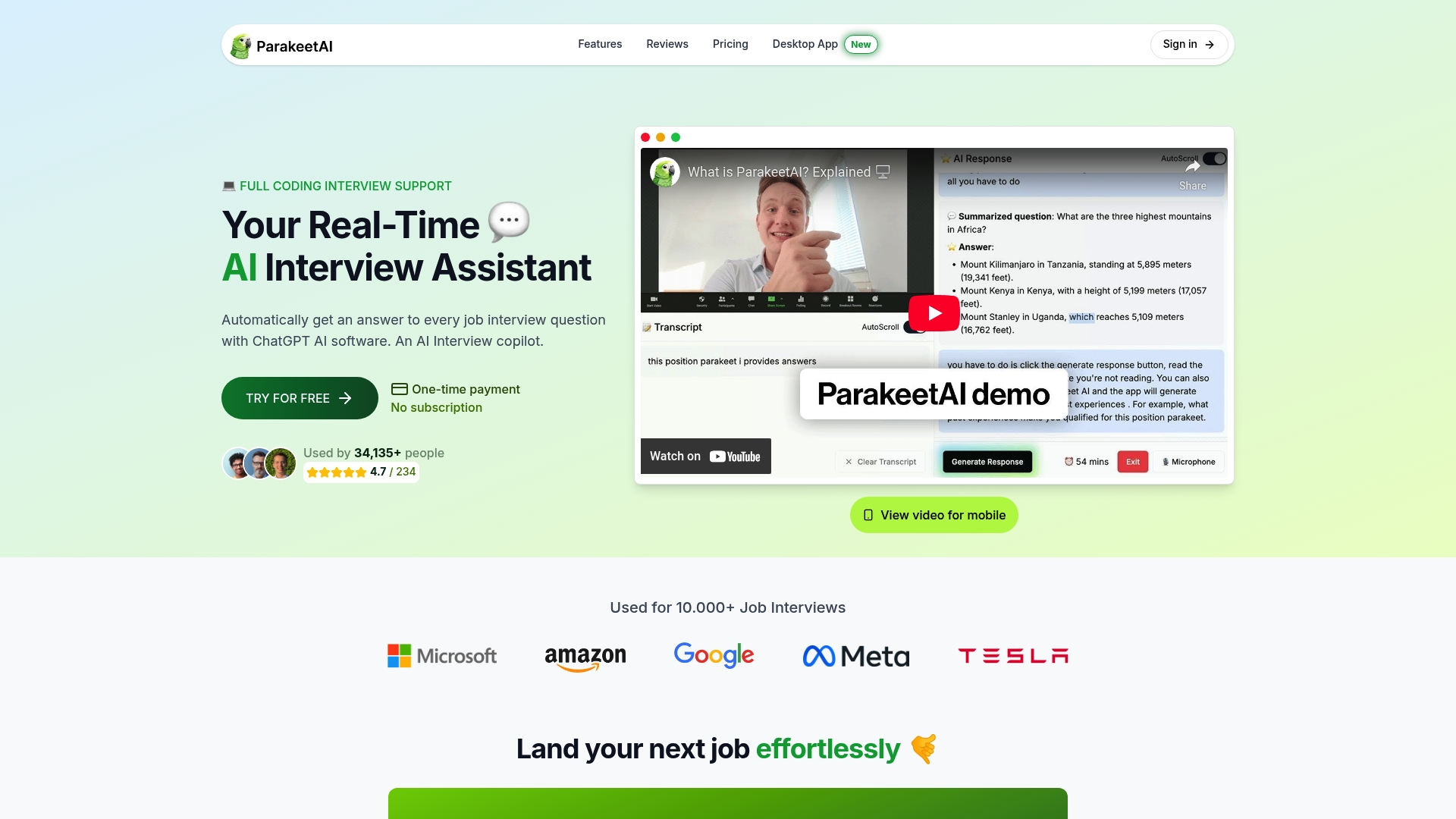
ParakeetAI takes AI interview support further than most tools by listening to your live interview and providing real-time answer suggestions as questions are asked. It’s not just a practice platform. It’s an active support system for the real thing. If you want evidence-based outcomes, faster skill development, and a genuine confidence boost before your next interview, ParakeetAI is the logical next step. Start your first session today and experience the difference that real-time AI feedback makes.
Frequently asked questions
How realistic are AI-driven interview simulations compared to real interviews?
AI-driven simulations use pre-trained models that closely replicate real interview scenarios, with pre-trained models achieving a 67% accuracy rate compared to just 23% for generic AI, making the feedback genuinely reliable.
Do mock interviews with AI really improve job interview performance?
Yes. Candidates using AI-driven mock interviews with scored feedback improve 42% faster than those who practice without structured scoring, and they consistently report higher pre-interview confidence.
What is the best way to track progress with interview simulations?
Review your session scores after every practice round, watch your recorded responses, and keep a short journal noting what improved and what still needs work. Consistent tracking reveals patterns that single sessions can’t show.
How can I avoid common mistakes during AI-powered mock interviews?
Set up a realistic environment, dress professionally, give every answer your full effort, and combine AI scoring with at least occasional peer feedback since hybrid AI and human practice consistently produces the strongest performance gains.