How to Prepare for Remote Interviews and Ace Tech Jobs
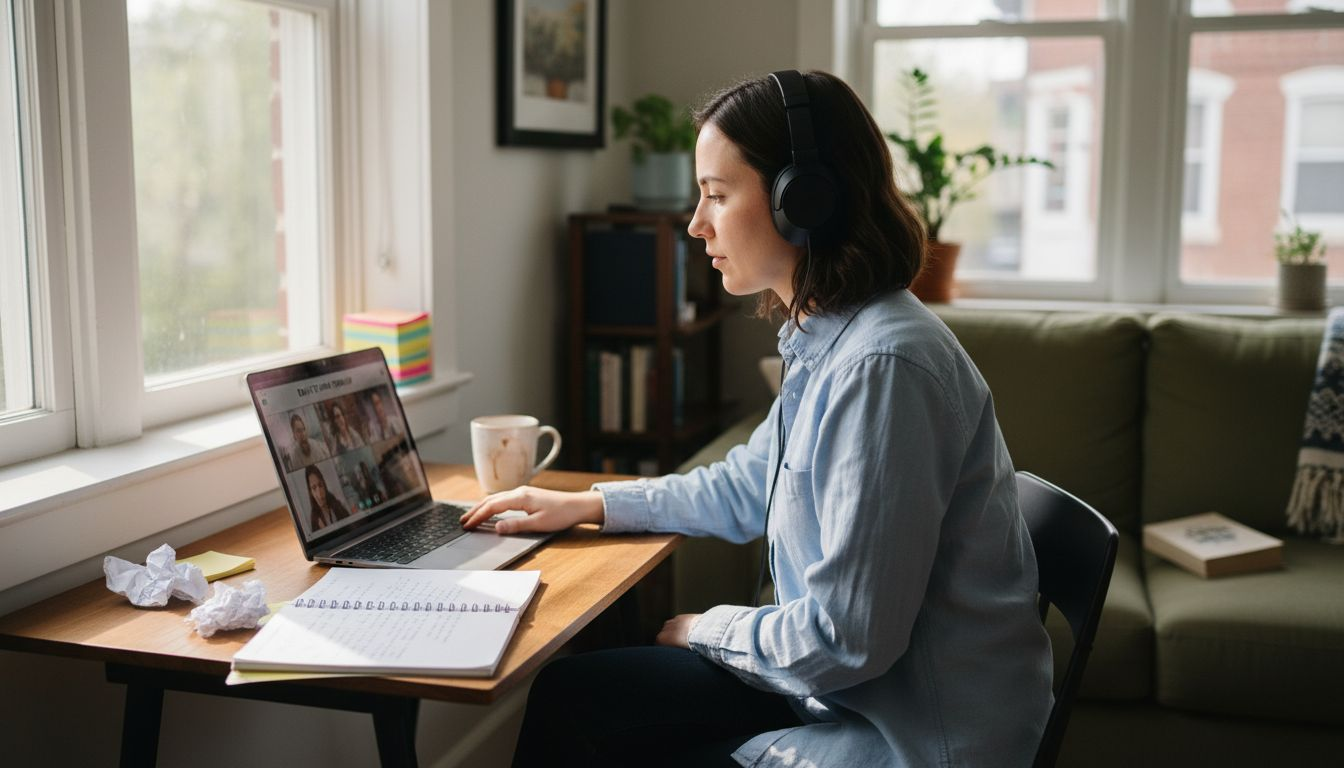
Interview nerves hit especially hard when your future with a global tech company depends on making a standout impression over video. For many remote job seekers, anxiety spikes amid worries about technical glitches, distracting backgrounds, and communicating confidence virtually. Learning to perfect your interview environment setup not only calms those nerves but helps you project professionalism from anywhere. This approach brings you practical solutions for remote interview challenges that can turn anxiety into genuine self-assurance.
Table of Contents
- Step 1: Set Up Your Interview Environment
- Step 2: Test Your Technology and Connections
- Step 3: Gather Key Information About The Role
- Step 4: Practice With An AI Interview Assistant
- Step 5: Review And Refine Your Performance
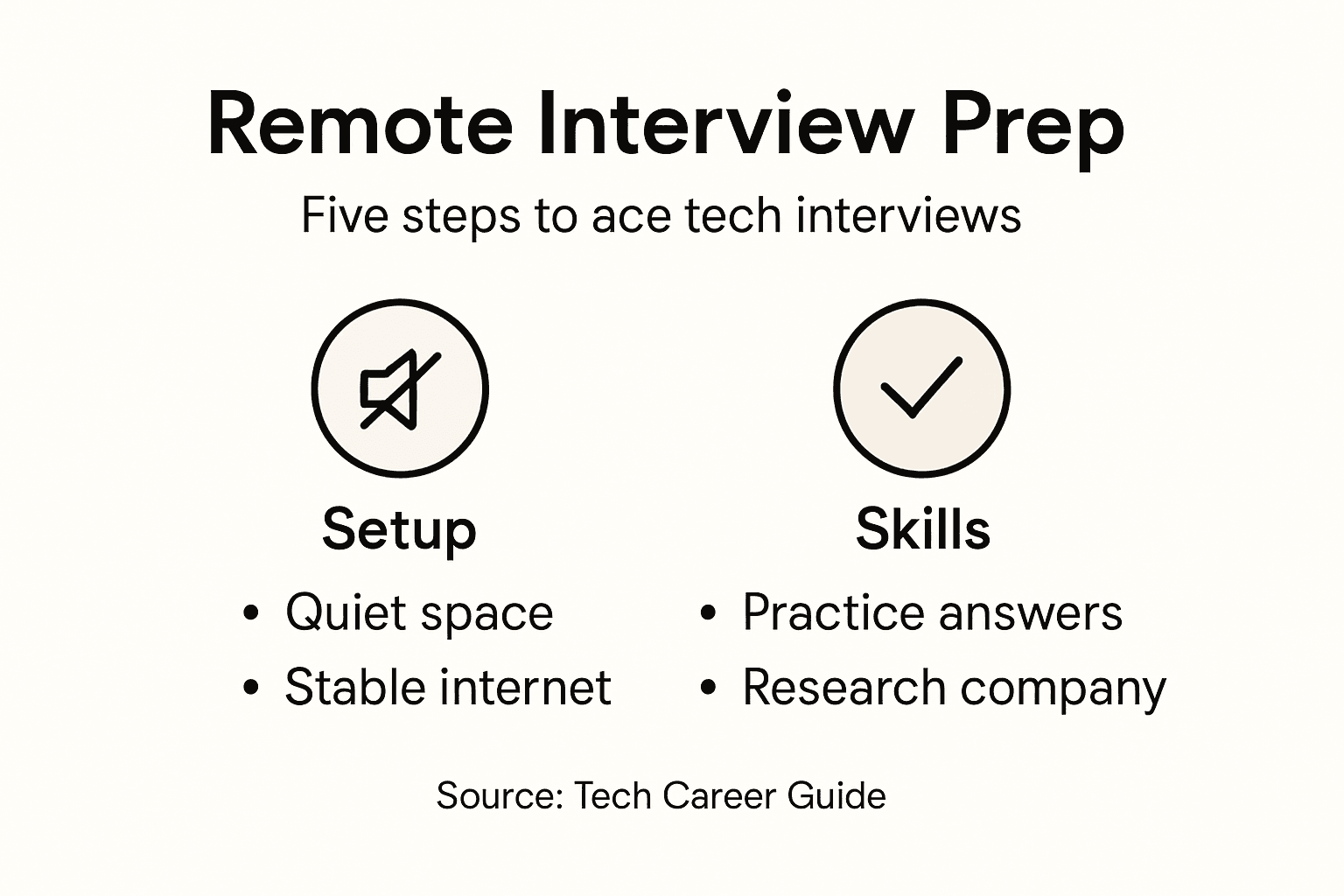
Quick Summary
| Key Insight | Explanation |
|---|---|
| 1. Optimize Your Interview Environment | Select a quiet space with good lighting and a professional backdrop for a positive impression. |
| 2. Test Technology Thoroughly | Ensure a reliable internet connection and test audio/video equipment to avoid disruptions. |
| 3. Research the Role and Company | Understand job responsibilities and company values to tailor your responses and demonstrate fit. |
| 4. Practice with AI Tools | Use AI interview assistants to simulate real scenarios and refine your communication skills. |
| 5. Reflect on Your Performance | After each interview, analyze your responses and body language to identify areas for improvement. |
Step 1: Set Up Your Interview Environment
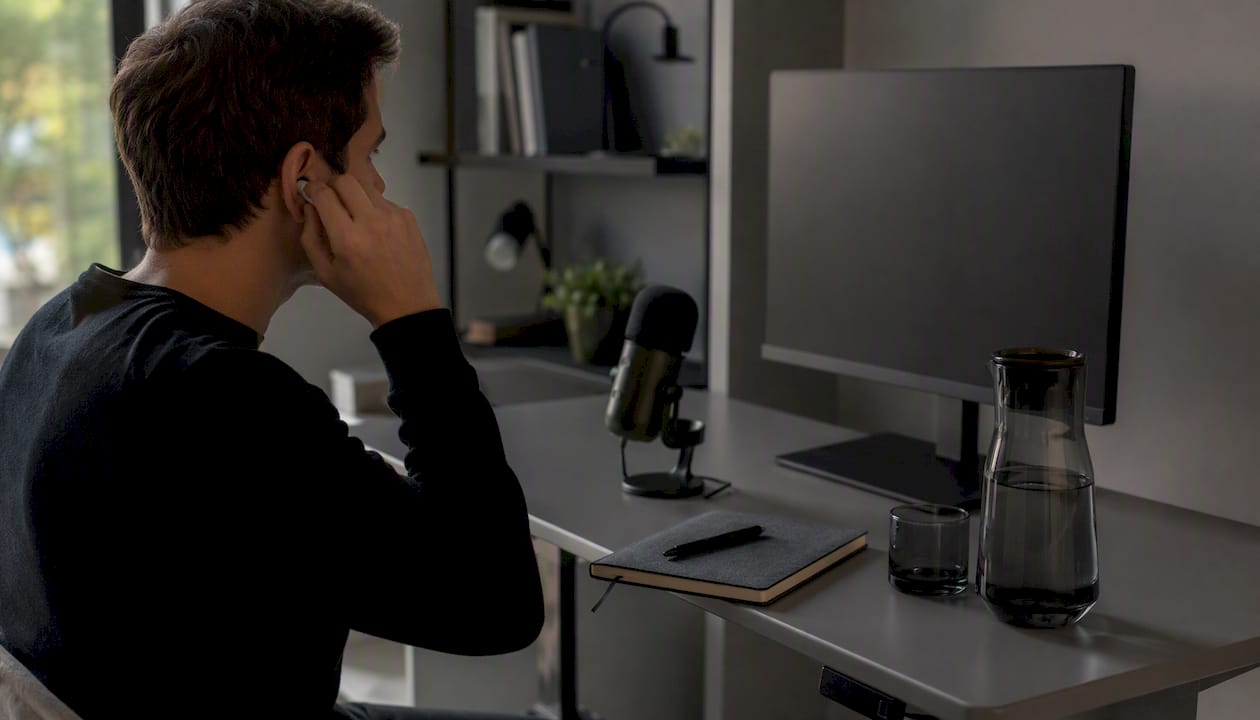
Prepping your interview environment is crucial for making a professional first impression during remote tech job interviews. Your physical setup can significantly impact how potential employers perceive your professionalism and technical readiness.
Start by selecting a quiet, private space with a neutral background that looks clean and organized. Video interview best practices recommend finding a location with consistent, soft lighting that illuminates your face directly. Position your camera at eye level to create natural eye contact and ensure your entire upper body is visible. Test your camera angle beforehand to confirm you appear centered and professional.
Ensure your technical setup is flawless by using a reliable internet connection and testing your audio and video equipment in advance. Consider using headphones with a built-in microphone to improve sound quality and minimize background noise. Silence all digital notifications on your computer and phone to prevent unexpected interruptions during the interview.
Pro Tip: Keep a glass of water, a notebook, and a pen within reach to demonstrate preparedness and professionalism during your remote interview.
Here’s a quick reference comparing common remote tech interview challenges and effective solutions:
| Challenge | Example Situation | Recommended Solution |
|---|---|---|
| Unstable Internet Connection | Dropped video calls | Use wired Ethernet or mobile hotspot backup |
| Poor Audio Quality | Echo or unclear speaking | Use headphones with built-in microphone |
| Distracting Background | Visible clutter or movement | Choose neutral, tidy space |
| Software Compatibility Issues | Can’t join interview call | Test platform and update software beforehand |
| Digital Distractions | Notifications pop up | Silence alerts and close unused apps |
Step 2: Test Your Technology and Connections
Before your remote interview, thoroughly testing your technology ensures you present a professional and prepared image to potential employers. A seamless technical setup demonstrates your ability to handle digital communication effectively in the tech industry.
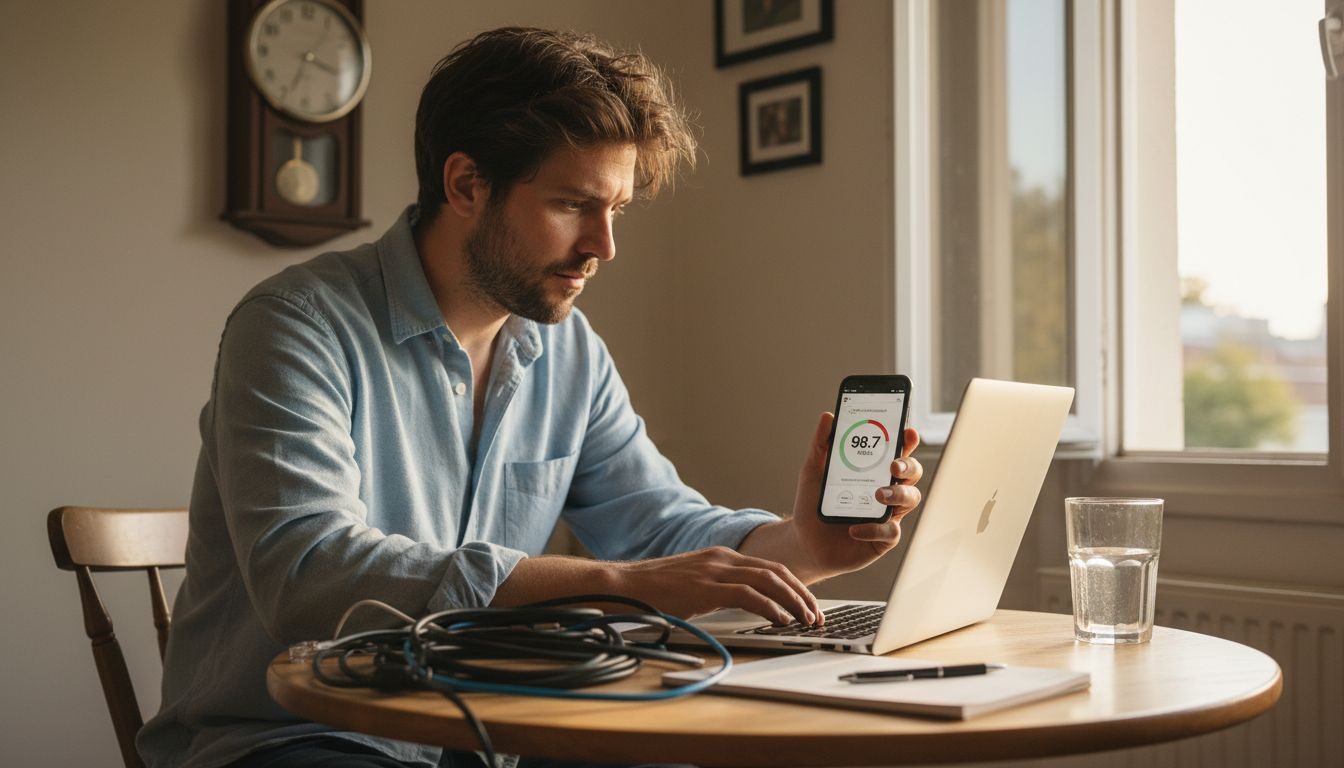
Start by verifying your internet connection using online speed test tools like SpeedTest.net. Prefer a wired Ethernet connection if your Wi-Fi seems unstable. Check your computer or tablet’s webcam and microphone quality, ensuring clear video and audio. Install and update the specific video conferencing software your interview will use, then conduct a test call to confirm everything works perfectly.
Have a backup plan ready in case of unexpected technical issues. This might include keeping a mobile hotspot nearby, having an alternate device prepared, or knowing a nearby location with reliable internet. Practice joining video calls early to troubleshoot any potential problems and familiarize yourself with the platform’s features.
Pro Tip: Keep the technical support contact information for your interview platform readily available in case you encounter any last minute connectivity challenges.
Step 3: Gather Key Information About the Role
Successfully preparing for a tech job interview requires deep research and strategic information gathering. Your goal is to demonstrate comprehensive understanding of the role and company during the interview process.
Researching the job thoroughly involves multiple strategic approaches. Start by carefully analyzing the job description to understand specific responsibilities, required skills, and evaluation criteria. Visit the company’s website to explore their mission, products, services, and corporate culture. Use professional networks like LinkedIn to gain insights into the organization’s structure and recent achievements. Pay special attention to the company’s recent projects, technological innovations, and market positioning.
Prepare a comprehensive overview that connects your professional experience with the role’s requirements. Identify specific examples from your background that directly align with the job description. This preparation allows you to craft targeted responses that showcase how your skills and background make you an ideal candidate for the position.
Pro Tip: Create a detailed one-page summary of your research findings to review immediately before the interview, ensuring key insights remain fresh in your mind.
Step 4: Practice With an AI Interview Assistant
Practicing with an AI interview assistant transforms your interview preparation strategy, giving you a powerful tool to build confidence and refine your communication skills. By simulating real interview scenarios, you can identify and improve your professional presentation before the actual interview.
AI-guided interview practice helps you become comfortable responding to questions without a human interviewer present. Utilize AI tools to simulate technical and behavioral interview scenarios, focusing on delivering natural and expressive responses. Pay attention to your non-verbal cues, articulation, and storytelling techniques. These AI platforms can provide instant feedback on your communication style, helping you recognize areas where you can improve your interview performance.
Prepare customized prompts that reflect your specific industry and role, allowing the AI to generate realistic interview questions. Practice answering these questions out loud, recording yourself to analyze your tone, clarity, and confidence. This approach helps you develop more authentic and compelling responses while building the muscle memory needed for smooth, professional communication during actual interviews.
Pro Tip: Record multiple practice sessions and review them critically, looking for patterns in your communication that could be refined or strengthened.
Step 5: Review and Refine Your Performance
Taking time to critically analyze your interview performance is crucial for continuous professional growth and increasing your chances of success in future opportunities. This reflective process helps you transform each interview experience into a valuable learning opportunity.
Interviewing skills require ongoing refinement through thoughtful self assessment. After each interview, set aside dedicated time to review your responses, body language, and overall presentation. Analyze what worked well and identify specific areas where you can improve. Pay close attention to your storytelling techniques, how clearly you communicated your professional experiences, and the level of engagement you maintained with the interviewer. Consider recording practice interviews or seeking feedback from mentors to gain objective insights into your performance.
Develop a structured approach to performance review by creating a personal interview debrief template. Document key questions that challenged you, moments where you felt less confident, and strategies for addressing those specific scenarios in future interviews. This systematic approach transforms interview experiences from isolated events into a continuous learning process that progressively enhances your professional communication skills.
Pro Tip: Create a personal interview journal to track your progress, noting specific improvements and tracking how your confidence and communication skills evolve with each practice session.
This table summarizes five key areas to focus on for remote tech interview success:
| Preparation Area | Why It Matters | Key Action |
|---|---|---|
| Environment Setup | Sets first impression | Organize backdrop and optimize lighting |
| Technology & Connections | Prevents disruptions | Test internet, camera, and audio in advance |
| Role Research | Demonstrates motivation | Analyze job requirements, explore company background |
| Interview Practice | Builds confidence and fluency | Use AI tools and record mock interviews |
| Performance Review | Enables continuous improvement | Debrief each interview and document insights |
Master Your Remote Tech Interviews with Real-Time AI Support
Preparing the perfect environment, testing your technology, gathering key insights about the role, and practicing responses can feel overwhelming. The challenge is staying confident and composed while answering unexpected questions and managing digital distractions. If you want to transform interview anxiety into confident communication and ace every tech job interview, embracing innovative preparation tools is essential.
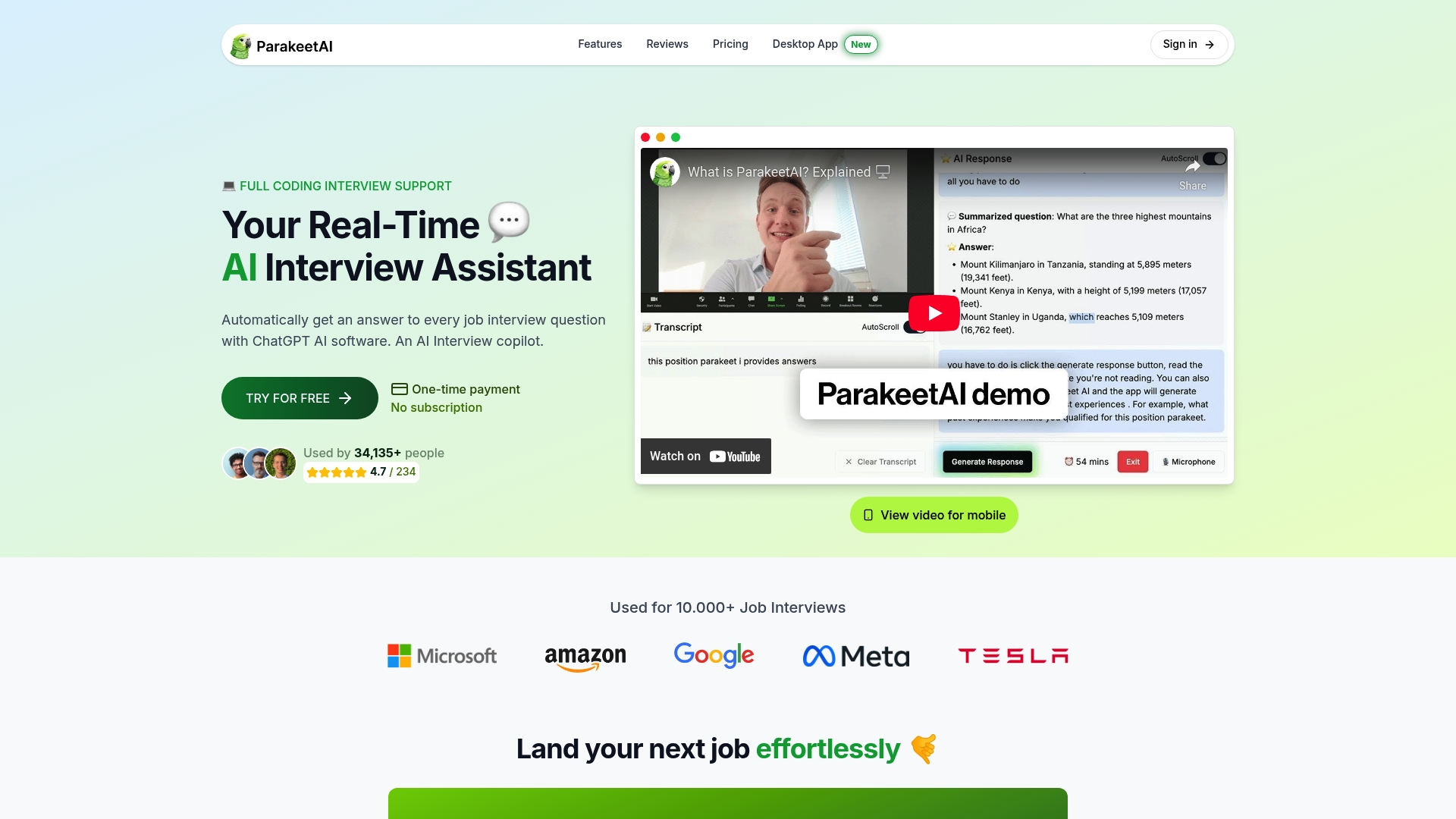
Experience how a real-time AI job interview assistant can elevate your practice sessions by listening and providing instant suggested answers tailored to your responses. This technology complements expert strategies like those found in How to Prepare for Remote Interviews and Ace Tech Jobs and helps you refine your delivery through simulated interviews. Don’t wait to enhance your interview skills and increase your job offers. Start practicing smarter today by visiting Parakeet AI and discover a new level of readiness and confidence.
Frequently Asked Questions
How can I set up my environment for a remote tech interview?
To set up your environment, choose a quiet space with a clean, neutral background and good lighting. Position your camera at eye level and test your audio equipment to ensure clear communication.
What technology should I test before my remote interview?
You should test your internet connection, webcam, and microphone in advance to ensure they work properly. Conduct a trial run of the interview platform to familiarize yourself with its features and minimize disruptions during the actual interview.
How can I effectively research the role I’m interviewing for?
To effectively research the role, analyze the job description and visit the company’s website to understand their mission, products, and culture. Create a summary connecting your experience to the job requirements, focusing on specific examples that highlight your fit for the position.
How should I practice for my remote tech interview?
Practice by using an AI interview assistant to simulate real interview scenarios. Record your practice sessions to review your performance and refine your responses based on your communication style and body language.
What should I do after the interview to improve my performance?
After the interview, take time to review your performance, noting areas that went well and where you can improve. Use a personal interview debrief template to document feedback and develop strategies for future interviews, making this a continuous learning process.