
Master IT Job Interview Questions and Answers Easily

Staring down your first technical interview as a recent graduate or entry-level IT professional can feel intimidating. Today’s hiring processes demand both technical accuracy and confident communication, and traditional study materials rarely mirror the real conditions you will face. Setting up a personalized AI interview assistant helps you practice with realistic, targeted sessions that adapt to your individual needs—delivering feedback, tracking your progress, and building the skills you need to stand out in competitive global IT markets.
Table of Contents
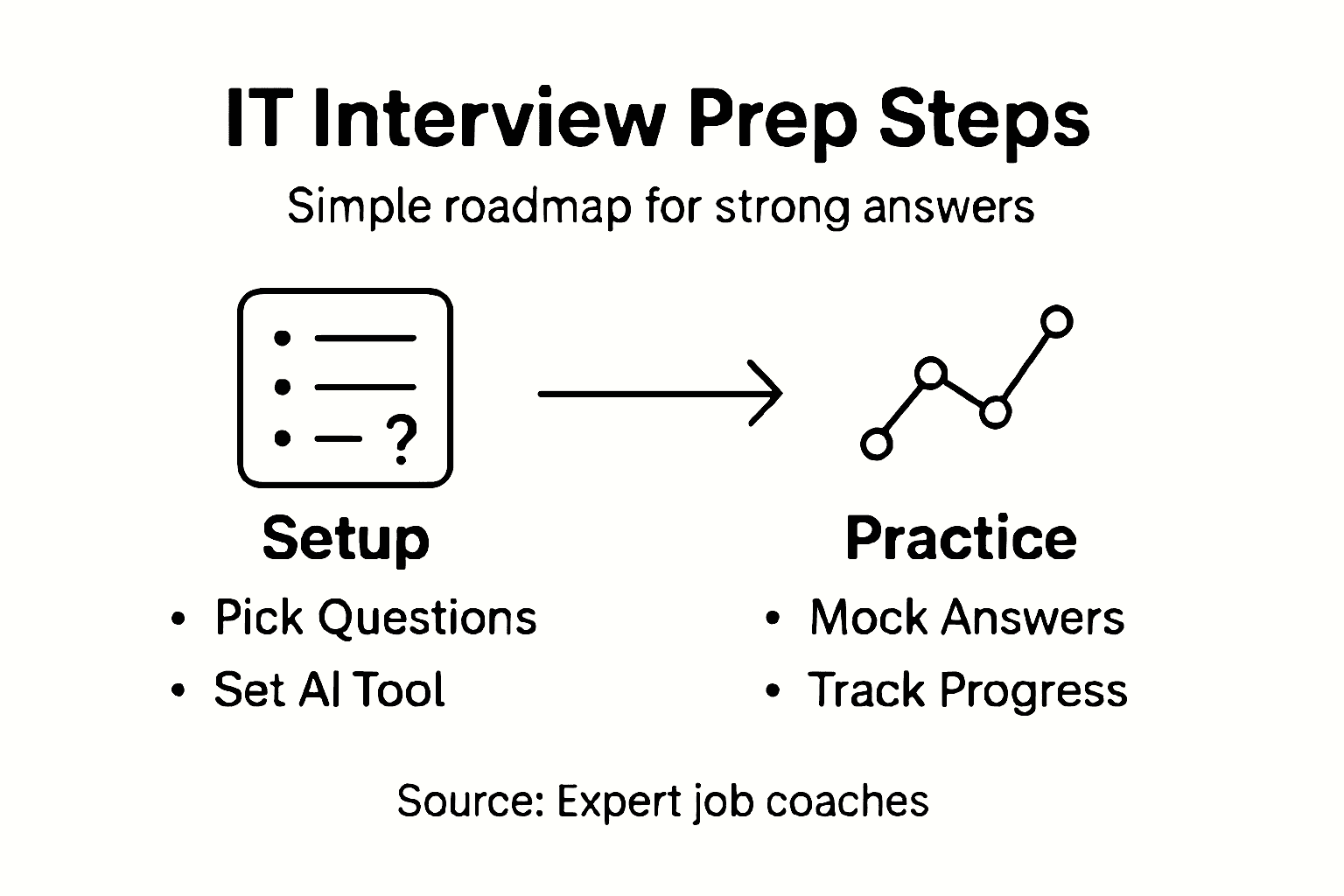
- Step 1: Set Up AI Interview Assistant
- Step 2: Select Relevant IT Job Interview Questions
- Step 3: Practice Answering with Real-Time AI
- Step 4: Verify and Improve Your Responses
- Step 5: Finalize Your Interview Preparation
Quick Summary
| Key Point | Explanation |
|---|---|
| 1. Set Up Your AI Assistant | Create a customized AI assistant to enhance your interview preparation by adapting to your style and weaknesses. |
| 2. Choose Targeted Questions | Select job-specific technical and behavioral questions to focus your practice on the critical skills required for your target position. |
| 3. Practice with Real-Time Feedback | Engage in mock interviews with your AI, focusing on authentic responses and immediate feedback to build confidence and improve skills. |
| 4. Use the STAR Method | Structure answers using the STAR method to convey clear, concise responses that are easy for interviewers to follow. |
| 5. Finalize Preparation Logistics | Confirm job details, prepare your outfit, and perform one last mock interview to ensure confidence on the day of your interview. |
Step 1: Set Up AI Interview Assistant
Setting up an AI interview assistant transforms your preparation from passive studying into dynamic, real-time practice. You’ll create a customized tool that learns your patterns, remembers your weak spots, and delivers targeted feedback each session.
Start by selecting a platform that offers generative AI capabilities. Look for one that allows you to build custom assistants, as these platforms let you input and store recurring information without repeating it every time. This efficiency matters when you’re doing multiple practice sessions and want consistency across your interviews.
Next, define your setup parameters. Your assistant should know:
- Your target role and company information
- Technical skills you want to emphasize
- Common questions you struggle with
- Your speaking pace and communication style you want to improve
Once you’ve entered this foundational data, the platform uses generative AI to retain your background information and recurring prompts. This means each practice session starts with your personalized context already loaded, saving you setup time and ensuring consistency.
Test the initial configuration with a simple mock question. Ask your assistant to conduct a 10-minute technical interview about your strongest skill first. This warm-up run lets you see how the system responds and whether your setup guidelines are working as intended.
The real power emerges when your AI assistant adapts to your actual interview style, not just generic best practices for everyone.
After your test run, adjust the parameters based on what you observed. Did the assistant ask questions that were too easy or too difficult? Did it focus on the right technical areas? Fine-tune these settings now before you launch into serious preparation.
The setup process typically takes 15 to 30 minutes depending on how much detail you provide. Invest time here—your future practice sessions will run much smoother and yield better results.
Pro tip: Start by recording your assistant’s feedback from your first mock interview, then review it the next day; you’ll catch patterns you missed in the moment and spot recurring weaknesses across multiple practice runs.
Here’s how common AI interview assistant features impact your preparation process:
| Feature | How It Works | Preparation Benefit |
|---|---|---|
| Personalized Feedback | Analyzes your responses in real time | Helps pinpoint and address weak areas |
| Session Memory | Remembers recurring answers and mistakes | Enables targeted practice and progress tracking |
| Question Randomization | Mixes question order during sessions | Builds authentic recall, not memorization |
| Adaptive Difficulty | Adjusts question complexity as you improve | Keeps practice challenging and engaging |
| Communication Analysis | Rates clarity and speaking pace | Improves delivery and interview presence |
Step 2: Select Relevant IT Job Interview Questions
Choosing the right questions to practice with makes the difference between scattered preparation and focused skill building. You’ll want to align your question selection with the specific role you’re targeting, not generic questions that apply to everyone.

Start by identifying the core competencies for your target position. Review the job posting carefully and highlight the technologies and skills mentioned most frequently. Are they asking for operating system expertise? Network troubleshooting? Specific programming languages? These clues tell you exactly what the interviewer will test.
Next, categorize your questions into two types:
- Technical questions covering troubleshooting processes, system architecture, and tools relevant to your role
- Behavioral questions that explore how you solve problems, communicate under pressure, and work with teams
Both matter equally. Technical knowledge without communication skills won’t get you the job, and vice versa. When building your question bank, tailor your selection to the specific IT role you’re pursuing, focusing on competencies like network knowledge, database management, or cloud platforms.
Create a spreadsheet tracking each question, the skill it tests, and your confidence level answering it. Start with medium-difficulty questions, then gradually add harder ones. This progression prevents early frustration while building momentum.
The questions you practice with today determine the patterns your brain builds for tomorrow’s real interview.
Prioritize depth over breadth. Mastering 15 solid questions about your core skills beats memorizing 50 surface-level answers. Spend time understanding not just what to answer, but why that answer matters for the role.
Once you’ve selected your question set, load these into your AI interview assistant. Feed them systematically to your assistant so it can randomize and repeat them across multiple practice sessions.
Pro tip: Record which questions trip you up most, then practice those first each session while your energy is highest; this prevents negative momentum from carrying through your entire practice run.
Step 3: Practice Answering with Real-Time AI
Now comes the part where preparation transforms into confidence. Your AI assistant will ask questions, listen to your answers, and give you immediate feedback on what worked and what didn’t.
Start your first practice session by setting a time limit. Thirty minutes is ideal for your initial run, allowing you to answer five to six questions without mental fatigue. Press record if your platform offers it, so you can review your performance later and catch patterns you might miss in the moment.
When your AI asks a question, answer it naturally as if speaking to a real interviewer. Don’t pause to think extensively. Real interviews move at a pace, and you need to practice responding authentically. The goal isn’t perfection on your first attempt, it’s building your delivery muscle memory.
After each answer, listen carefully to the feedback your AI provides. Most platforms offer multiple types of feedback:
- Content accuracy on technical correctness
- Communication clarity regarding how well you explained your thinking
- Response pacing and whether you spoke too fast or too slowly
- Confidence indicators based on vocal tone and delivery
Real-time feedback during practice sessions helps you adjust immediately rather than waiting until your real interview to discover problems. After each practice round, review your recorded answers and note which questions felt weakest.
Your AI remembers what tripped you up, so use that institutional knowledge by requesting harder versions of questions you struggled with.
Repeat this cycle three to four times per week, rotating through your question bank. Your AI should randomize questions to prevent memorization. Progressive difficulty is key, so gradually increase the challenge as your confidence grows.
Track your improvement over time by comparing earlier recordings to recent ones. You’ll notice improvements in pace, vocabulary, and comfort level that don’t always feel obvious in the moment.
Pro tip: Practice answering at the same time of day and in the same space where your real interview will happen; your brain performs better when environmental conditions match your practice setup.
Step 4: Verify and Improve Your Responses
Having recorded answers is only half the battle. The real work happens when you analyze what you said and identify where improvements can stick. This step separates candidates who practice from candidates who actually get better.
Start by reviewing your recordings with a critical eye. Listen for filler words like “um” or “uh,” unclear explanations, and moments where you hesitated. Take notes on specific timestamps where these issues appear. Don’t judge yourself harshly, just observe patterns objectively.
Next, structure your answers using the STAR method. This framework helps you organize responses clearly:
- Situation describes the context and challenge you faced
- Task explains what you were responsible for doing
- Action details the specific steps you took to address the problem
- Result shows the measurable outcome of your effort
When you structure responses this way, interviewers follow your thinking easily and stay engaged. Most candidates ramble without this framework, losing the interviewer halfway through.
Below is a summary of STAR versus unstructured responses in IT interviews:
| Response Type | Organization | Interviewer Perception | Outcome Likelihood |
|---|---|---|---|
| STAR Method | Clear, logical, concise | Easy to follow, professional | Higher success rate |
| Unstructured | Disjointed, rambling | Hard to follow, less memorable | Lower success rate |
Compare your current answers against quality examples. Listen to how confident speakers deliver information. Notice their pacing, word choice, and how they emphasize key points. Then rerecord your own answer, intentionally mimicking those delivery patterns while keeping your authentic voice.
The gap between your current answer and an excellent answer is usually just one or two clarifications away.
Have your AI assistant score your responses across multiple dimensions. Track improvements weekly so you see progress visually. Some platforms display your growth over time, which builds momentum and motivation.
Refine one or two answers per session rather than overhauling everything at once. This focused approach prevents overwhelm and lets improvements compound naturally as you practice.
Pro tip: Write your best answer down word-for-word after recording it, then compare your written version to what you actually said; the gaps between your ideal answer and real delivery reveal exactly where to focus your next practice session.
Step 5: Finalize Your Interview Preparation
You’ve practiced extensively and refined your answers. Now it’s time to lock in the final details that separate nervous candidates from confident professionals. This step covers logistics, mindset, and last-minute preparation.
Three days before your interview, stop introducing new material. Your brain needs time to consolidate what you’ve learned, not absorb fresh information. Instead, focus on reinforcing your strongest answers and reviewing company research.
Conduct thorough research on the organization and the specific role. Read recent news about the company, understand their products or services, and learn about their culture. Check LinkedIn profiles of your interviewers if possible. This context helps you answer questions with authentic interest rather than generic responses.
Prepare these critical details:
- Interview location and travel time required to arrive 10 minutes early
- Interviewer names and titles so you can greet them professionally
- Job description highlights to reference when answering questions
- Three thoughtful questions to ask your interviewers about the role and company
Your outfit matters more than you think. Choose professional clothing appropriate for the company culture, test it beforehand, and ensure it fits comfortably. You’ll perform better when you feel confident in what you’re wearing.
Practicing encounter scenarios and reviewing your resume one final time build confidence and prevent awkward pauses when discussing your background. Walk through your commute the day before if possible, so you know exactly how long it takes and can account for traffic.
The night before, get proper sleep instead of cramming more information into your tired brain.
Set two alarms. Pack everything you need the night before, including copies of your resume, a notepad, and a pen. Eat a solid breakfast so your energy and focus stay sharp throughout the interview.
On interview day, arrive 15 minutes early. Use that time to breathe deeply, center yourself, and transition mentally from everyday mode into interview mode. You’ve prepared thoroughly. Trust your preparation.
Pro tip: Do one final mock interview with your AI assistant the morning of your real interview, using the exact question topics you expect; this primes your brain and builds momentum right when you need it most.
Boost Your IT Interview Success with Real-Time AI Support
Mastering IT job interview questions and answers can feel overwhelming when you struggle with remembering key concepts and delivering clear, confident responses. The article highlights how personalized feedback, session memory, and adaptive difficulty are essential for overcoming common challenges like inconsistent practice and unclear communication. If you want to transform your preparation into focused skill building and real confidence, integrating a specialized AI interview assistant can make all the difference.
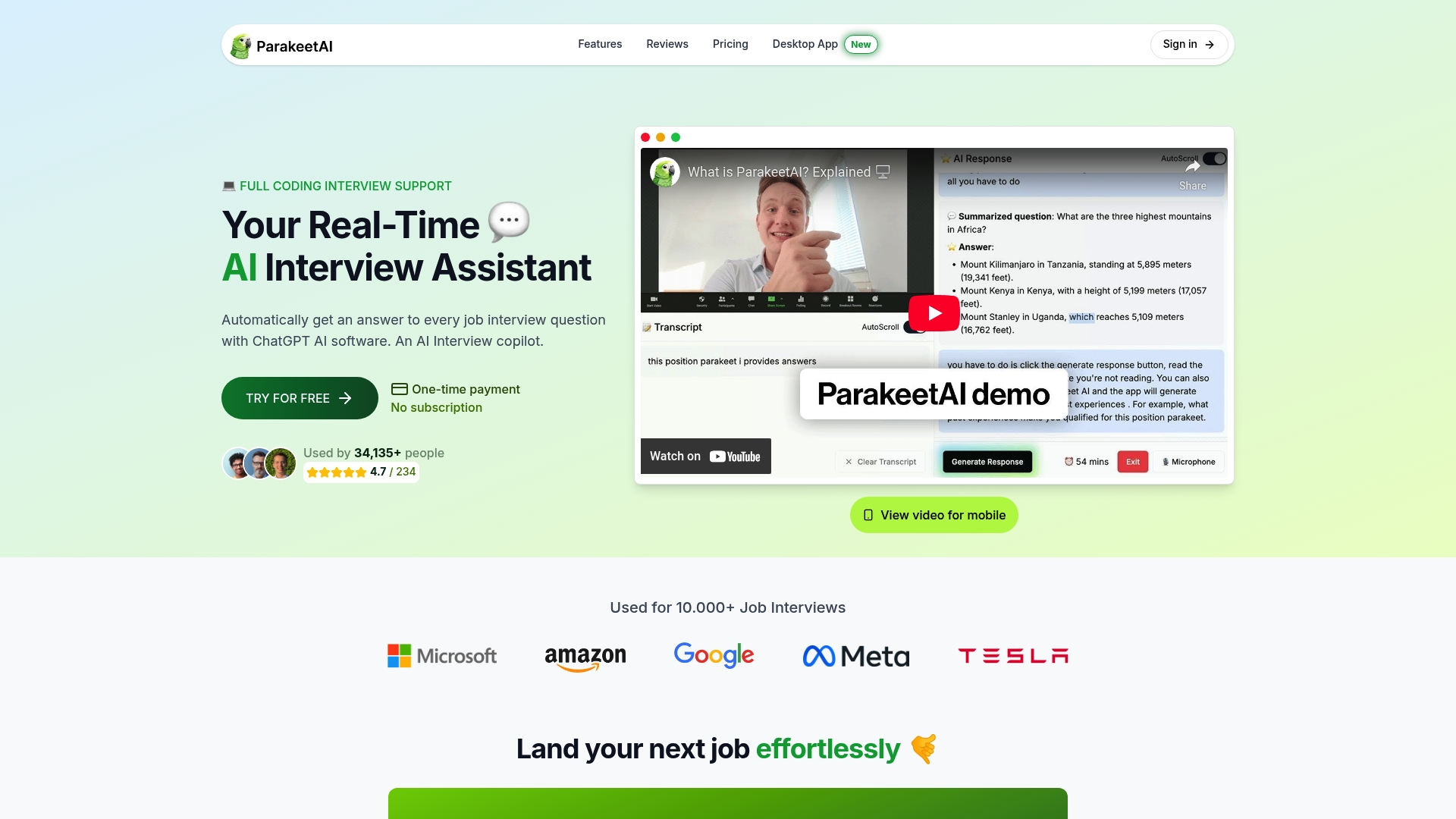
Experience a real-time AI job interview assistant that listens to your answers and provides instant, targeted feedback tailored to your unique needs. At Parakeet AI, our platform remembers your weak spots, helps you refine your technical and behavioral responses, and simulates authentic interview conditions. Visit Parakeet AI now to elevate your IT interview practice and beat interview anxiety with personalized coaching you can trust.
Frequently Asked Questions
How can I set up an AI interview assistant for IT job preparation?
To set up an AI interview assistant, choose a platform that specializes in generative AI. Input details such as your target role, technical skills, and common questions you find challenging to ensure personalized feedback during practice sessions.
What types of IT job interview questions should I focus on?
Focus on two main categories: technical questions that cover relevant skills and processes, and behavioral questions that assess your problem-solving and teamwork abilities. Tailor your questions to your specific job role to ensure effective preparation.
How can I effectively practice answering IT interview questions?
Practice by setting a timer for about 30 minutes and answering several questions as you would in a real interview. Aim to speak naturally without overthinking your responses, and be sure to review your answers for improvement through recorded feedback.
What is the STAR method and how can it help in interviews?
The STAR method stands for Situation, Task, Action, and Result, and it helps structure your answers in a clear, logical way. Organize your responses using this framework to communicate effectively and engage interviewers, increasing the likelihood of a positive outcome.
How should I prepare the day before my IT interview?
The day before, finalize your research on the company and role, and conduct a mock interview with your AI assistant. Make sure to get a good night’s sleep to ensure you are mentally sharp for the interview.
What should I do on the day of the interview to boost my confidence?
Arrive at the interview location 15 minutes early to collect your thoughts and breathe deeply. Use this time to transition mentally from daily activities to interview mode, reinforcing your readiness and boosting your confidence.
Recommended
- it support interview questions - ParakeetAI
- best answers to interview questions - ParakeetAI
- Best Answers to Interview Questions for Tech Jobs
- Best Answers to Interview Questions for Tech Jobs
- 7 Career Development Paths for IT Workflow Managers -