
What Is Interview Heatmapping? A Practical Guide

TL;DR:Interview heatmapping uses AI to create visual maps of interview data, highlighting key themes and behaviors.It improves speed, objectivity, and multi-candidate comparison but cannot explain why behaviors occur.
Interview heatmapping is defined as an AI-powered visualization technique that aggregates themes, sentiments, and response patterns from interview data into color-coded maps that reveal what words, behaviors, and moments carry the most weight. Tools like Power BI, D3.js, and Perspective AI make this possible by processing raw transcripts, speech signals, and behavioral cues into visual layers that are far easier to read than pages of notes. For job seekers, this means understanding what interviewers actually focus on. For hiring managers, it means spotting patterns across dozens of candidates without drowning in spreadsheets. This guide breaks down how the technique works, what it reveals, and how both sides of the table can use it well.
What is interview heatmapping and how does it work?
Interview heatmapping aggregates themes, sentiments, and response trends across multiple interview transcripts using AI visualization. The result is a color-coded map where high-frequency or high-intensity areas appear in warm colors like red and orange, while low-activity zones appear in cool blues and greens. This visual layer turns hundreds of data points into a single readable picture.
The inputs feeding these maps are more varied than most people expect. A typical heatmap pipeline pulls from:
- Transcripts: Raw text from recorded interviews, processed for keyword frequency and thematic clustering
- Speech pace and filler ratios: How fast a candidate speaks and how often they use words like “um” or “like”
- Eye gaze data: Where a candidate looks during video interviews, tracked through webcam analysis
- Facial engagement: Micro-expression signals that indicate confidence, hesitation, or discomfort
One of the more revealing applications is eye-gaze analysis. Eye-gaze heatmaps distinguish scripted from spontaneous responses with over 70% accuracy by analyzing gaze fixations and entropy. That accuracy rate matters because it gives hiring managers a behavioral signal that goes beyond what a candidate says.
Pro Tip: Gaze entropy is the key metric to watch. Low gaze entropy indicates consistent, predictable eye movements, which suggests a candidate is reciting a memorized answer rather than thinking in real time. High entropy signals genuine, spontaneous engagement.
AI-assisted heatmapping clusters codes into themes ranked by intensity, shifting focus from manual transcript reading to strategic interpretation. That shift is the real value. Instead of reading every word a candidate said, a hiring manager reads a map that shows which topics generated the most energy, hesitation, or depth.

What are the benefits and limitations of interview heatmaps?
The benefits of heatmapping for interviews are concrete and measurable. The biggest one is speed. A hiring team reviewing 20 candidates no longer needs to re-read 20 transcripts. The heatmap surfaces the patterns, and the team focuses on what those patterns mean.
Top benefits of interview heatmap analysis:
- Faster decision-making: Thematic maps compress hours of review into minutes of pattern recognition
- Objective scoring: Color-coded intensity removes some of the subjectivity from “gut feel” evaluations
- Behavioral pattern detection: Speech pace, filler usage, and gaze data reveal confidence and preparation levels
- Multi-candidate comparison: Heatmaps let hiring managers compare response quality across a full candidate pool at a glance
- Bias reduction: Structured visual data creates a consistent evaluation framework that reduces reliance on personal impressions
The limitations are just as real, and ignoring them leads to bad decisions. Heatmaps reflect the “what” but not the “why” of behavior. A candidate who speaks quickly might be nervous, or they might just be an efficient communicator. The heatmap cannot tell you which one.
Common interpretation pitfalls:
- Treating a high-intensity zone as automatically positive without reading the underlying transcript
- Comparing candidates from different interview formats as if the data were equivalent
- Ignoring cultural and neurodivergent differences in speech patterns and eye contact norms
- Skipping transcript validation after spotting a pattern in the visual layer
Pro Tip: Before drawing any conclusion from a heatmap, define the business question you are trying to answer. Proper heatmap analysis involves identifying that question first, then scanning patterns, segmenting data, and validating findings with transcripts or follow-up interviews. Skipping step one is the most common error.
Heatmaps visualize behavioral patterns but require pairing with conversational AI to probe unclear answers and understand the underlying reasons. Think of the heatmap as the diagnostic scan and the follow-up conversation as the doctor’s interpretation.
How does heatmapping compare to traditional interview analysis?
Traditional interview analysis relies on manual note-taking, structured scoring rubrics, and post-interview debrief conversations. These methods work, but they scale poorly. A single recruiter reviewing 50 candidates with handwritten notes introduces inconsistency at every step.
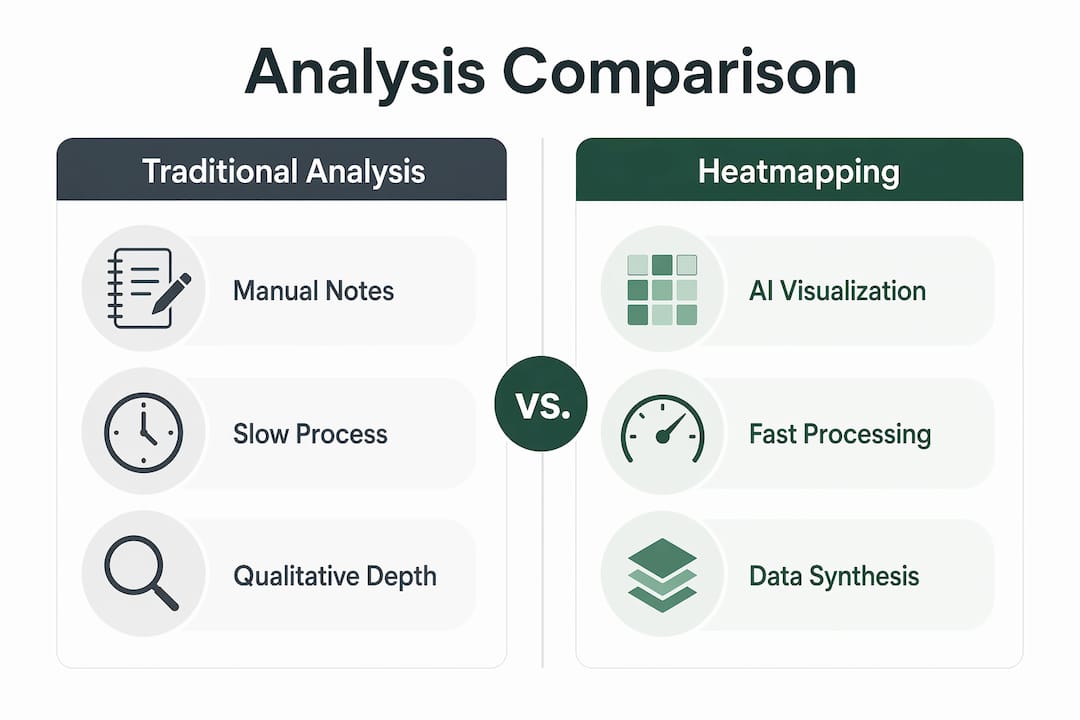
Interview process visualization through heatmapping changes the scale equation entirely. Multimodal AI maps speech pace, filler ratios, answer relevance, and facial engagement onto heatmaps to generate explainable hiring intelligence reports. That means a single report can carry more signal than a full page of recruiter notes.
| Feature | Traditional analysis | Interview heatmapping |
|---|---|---|
| Speed | Hours per candidate | Minutes per candidate pool |
| Consistency | Varies by reviewer | Standardized visual output |
| Behavioral signals | Limited to notes | Speech, gaze, and facial data |
| Multi-candidate comparison | Manual side-by-side | Visual overlay across candidates |
| Qualitative depth | High (human judgment) | Requires transcript pairing |
| Bias risk | High (personal impressions) | Reduced but not eliminated |
| Tooling required | Pen, paper, rubric | OpenAI Whisper, D3.js, Power BI |
The table makes one thing clear. Heatmapping wins on speed and consistency. Traditional methods win on qualitative depth. The strongest hiring teams use both. Tools like OpenAI Whisper handle transcription, D3.js handles visualization rendering, and platforms like Perspective AI handle thematic clustering. None of these tools replace the human judgment call at the end of the process.
Heatmapping’s greatest value lies in synthesizing large volumes of qualitative data, enabling strategic rather than manual analysis. That is the core argument for adoption. It does not replace analysis. It makes analysis possible at a scale that was previously impractical.
How can job seekers and hiring managers use interview heatmapping?
The practical applications split cleanly by role, and both sides benefit from understanding the other’s perspective.
For job seekers
Understanding interview heatmaps gives you a real advantage in preparation. If you know that AI tools track filler word ratios, you practice eliminating “um” and “like” from your answers. If you know that gaze entropy signals authenticity, you practice thinking through answers rather than memorizing scripts.
Practical steps for job seekers:
- Review your own recordings: Record mock interviews and use free tools to analyze your speech pace and filler frequency
- Practice spontaneous responses: Deliberately avoid scripting answers to behavioral questions so your gaze patterns reflect genuine thinking
- Study common themes: Use heatmap data from your own practice sessions to identify which topics you cover with depth versus which ones you skim
- Reduce filler words: Tools like Otter.ai can transcribe your practice sessions and highlight filler usage patterns
Learning how to leverage AI for interviews is no longer optional for competitive candidates. The hiring managers on the other side of the screen are increasingly using these tools.
For hiring managers
Hiring managers get the most from heatmapping when they treat it as a first-pass filter rather than a final verdict. Use the visual layer to identify which candidates warrant deeper review, then go back to the transcript for context.
Practical steps for hiring managers:
- Set evaluation criteria before running the heatmap: Decide which themes and behaviors matter for the role before you look at the data
- Compare candidates within the same interview format: Cross-format comparisons introduce noise that skews the visual output
- Use conversational AI for follow-up: When a heatmap flags an unclear pattern, conversational AI in interviews can generate targeted follow-up questions to probe the underlying reason
- Document your interpretation logic: Record why a heatmap pattern influenced your decision so the process remains auditable
Pro Tip: Heatmapping works best as a team tool, not a solo one. Share the visual output with two reviewers before drawing conclusions. One person’s “nervous energy” is another person’s “high engagement.” The disagreement itself is useful data.
Hiring managers looking for interview best practices consistently find that pairing heatmap data with structured debrief conversations produces more defensible and accurate hiring decisions than either method alone.
Key takeaways
Interview heatmapping delivers its full value only when AI-generated visual patterns are validated against transcript evidence and human judgment.
| Point | Details |
|---|---|
| Core definition | Interview heatmapping uses AI to convert qualitative interview data into color-coded visual patterns. |
| Behavioral signals | Eye-gaze entropy, speech pace, and filler ratios reveal authenticity and preparation beyond what words alone show. |
| Biggest limitation | Heatmaps show what happened but not why; always pair visual data with transcript review. |
| Best use case | Multi-candidate comparison at scale, where manual review would introduce inconsistency and bias. |
| Practical first step | Define your evaluation question before analyzing any heatmap to avoid pattern-chasing without context. |
Why heatmapping is worth the learning curve
I have spent years watching hiring teams make the same mistake. They collect more data, then analyze it the same way they always have. Interview heatmapping breaks that cycle, but only if you respect what it cannot do.
The teams I have seen use it well treat the heatmap as a conversation starter, not a verdict. They look at a high-intensity zone around a candidate’s answer on “conflict resolution,” then they go back to the transcript to read exactly what was said. The map told them where to look. The transcript told them what it meant.
The future of this space is multimodal. Tools are already combining speech analysis, facial engagement, and thematic clustering into single explainable reports. That direction is right. But the risk is that hiring teams will treat a sophisticated output as a substitute for judgment rather than a support for it.
My honest advice for anyone new to heatmapping: start with one data source. Pick transcripts. Run thematic clustering on a batch of past interviews and see what patterns emerge that you missed the first time. That exercise alone will change how you conduct and evaluate interviews going forward. Once you trust the output of one layer, add behavioral signals. Build the skill before you build the pipeline.
The automation of recruitment processes is accelerating, and heatmapping is one of the cleaner applications of that trend. It is not magic. It is pattern recognition at scale, and pattern recognition still needs a human to decide what the pattern means.
— Jure
See interview heatmapping in action with Parakeet-ai
Understanding interview heatmapping is one thing. Having AI work for you in real time during an actual interview is another level entirely.
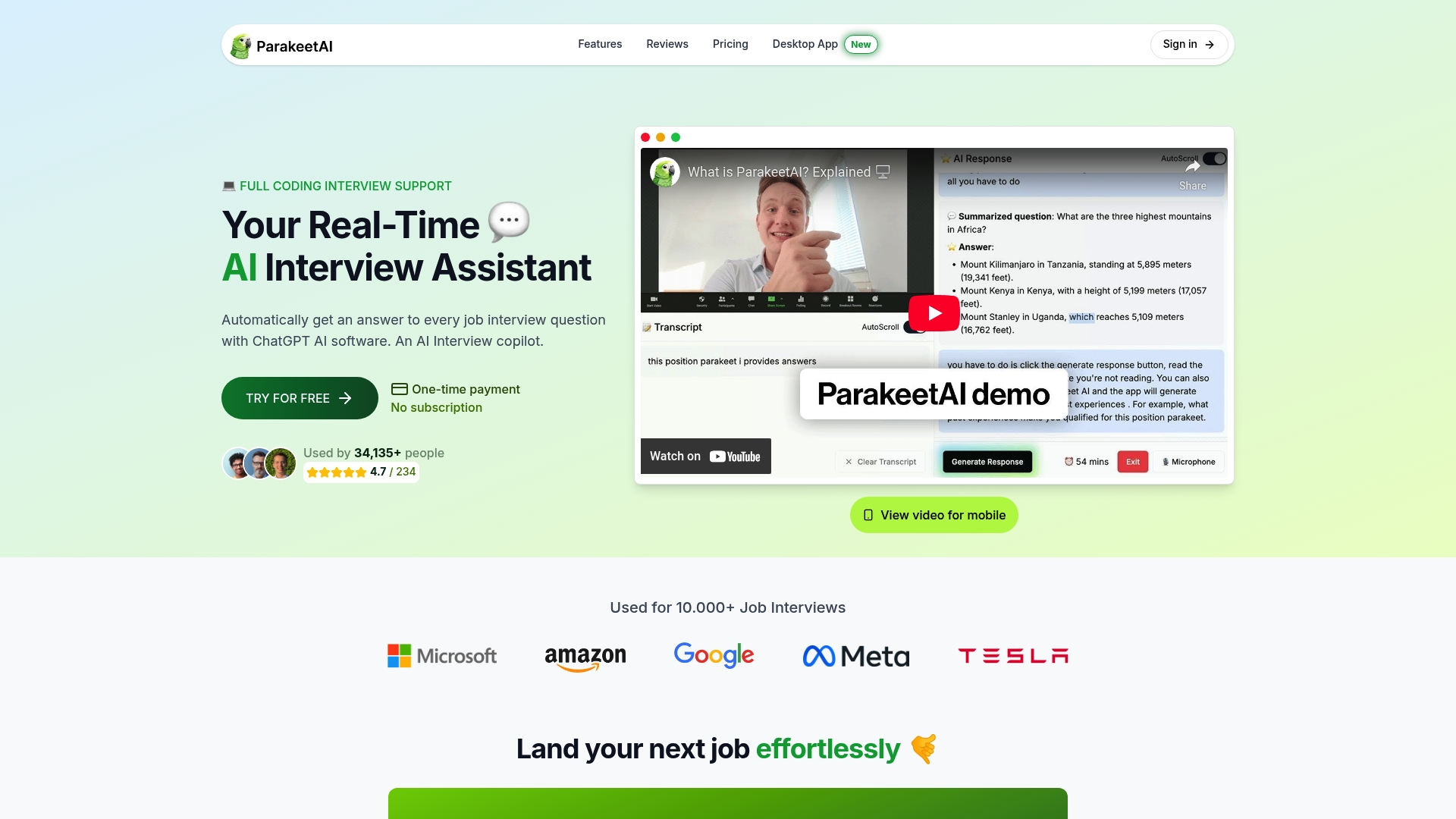
Parakeet-ai is a real-time AI interview assistant that listens to your interview as it happens and automatically generates answers to every question using AI. For job seekers, that means walking into any interview with the confidence of knowing you will never blank on a question. For hiring managers exploring AI-powered evaluation, Parakeet-ai’s approach to interview intelligence shows what modern interview technology looks like when it is built for the person in the room, not just the analyst reviewing data afterward. Visit Parakeet-ai to see how real-time AI assistance changes the interview experience from both sides of the table.
FAQ
What is interview heatmapping in simple terms?
Interview heatmapping is the process of using AI to convert interview data, including transcripts, speech patterns, and behavioral signals, into color-coded visual maps that highlight the most significant themes and response patterns.
What data sources do interview heatmaps use?
Interview heatmaps pull from transcripts, speech pace, filler word ratios, eye-gaze tracking, and facial engagement data. Tools like OpenAI Whisper handle transcription while platforms like D3.js and Power BI handle the visual rendering.
Can interview heatmapping detect if a candidate is lying?
Heatmapping does not detect lies directly. Eye-gaze analysis can identify scripted versus spontaneous responses with over 70% accuracy, but that signals preparation level, not honesty. Always pair visual data with transcript review before drawing conclusions.
How should hiring managers avoid misreading a heatmap?
Define the evaluation question before looking at the data, segment candidates by interview format, and validate every pattern against the underlying transcript. Heatmaps show what happened; transcripts and follow-up conversations explain why.
Do job seekers need to understand heatmapping to interview well?
Knowing that AI tools track filler ratios, speech pace, and gaze patterns helps candidates prepare more effectively. Practicing spontaneous answers rather than memorized scripts directly improves the behavioral signals these tools measure.