Your essential video interview checklist for job success
Video interviews are now the standard first filter in hiring, and the margin between a callback and silence is often smaller than you think. A blurry camera, a cluttered background, or an unprepared answer can end your candidacy before you even get to the good part. This guide is a battle-tested roadmap covering everything you need to check before, during, and after your video interview. You will find practical steps, AI-driven insights, and contingency plans so nothing catches you off guard. Whether you are facing a live panel or an asynchronous AI-scored screen, this checklist has you covered.
Table of Contents
- The core checklist: What to do before your video interview
- AI-driven video interviews: What candidates need to know
- Leveraging AI tools for interview prep advantage
- Navigating edge cases: Tech fails and unexpected issues
- What most video interview checklists miss: Beyond the basics
- Level up with tailored coaching and next-gen tools
- Frequently asked questions
Key Takeaways
| Point | Details |
|---|---|
| Test and confirm | Check tech, confirm details, and set up a pro environment before every video interview. |
| Understand AI analysis | Know how AI scores your body language, responses, and behavior to stand out. |
| Practice with AI tools | Use mock interview platforms for structured feedback and real-time performance tips. |
| Plan for tech fails | Have backup devices and plans in place for seamless interviews despite surprises. |
| Go beyond the basics | Engage genuinely on camera—your presence and energy matter as much as your answers. |
The core checklist: What to do before your video interview
The difference between a confident start and a panicked scramble almost always comes down to preparation done the day before, not the morning of. Video interview preparation is not just about knowing your answers. It is about removing every possible obstacle so your focus stays on performing, not troubleshooting.
Here is what your pre-interview checklist should cover:
- Confirm all details: Double-check the interview time, timezone, platform link, and the name of your interviewer. Time zone errors are more common than you think, especially for remote roles with global teams.
- Test your tech 30 minutes early: Run a full check of your camera, microphone, and internet connection. Do not assume yesterday’s setup still works today.
- Dress professionally from head to toe: Yes, even if you think only your shoulders will appear on screen. Interviewers notice when candidates suddenly stand up, and full professional attire also puts you in the right mindset.
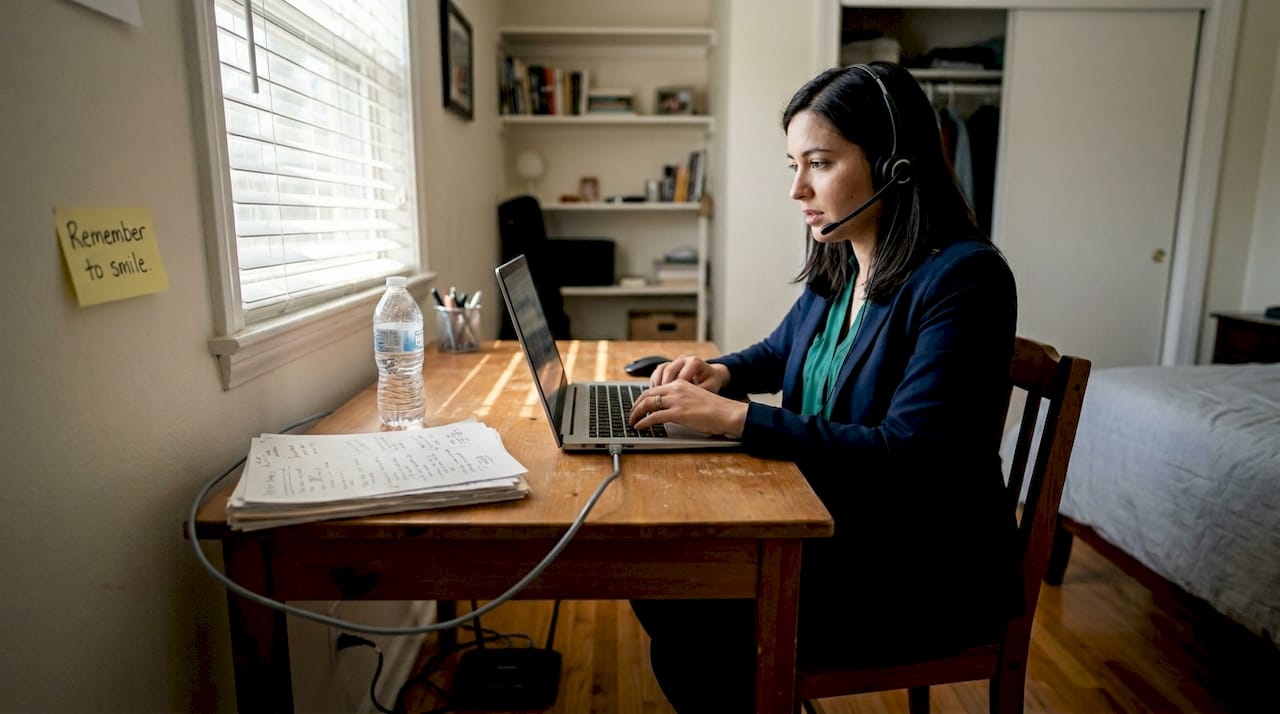
- Set up your environment: Choose a quiet room with a plain, uncluttered background. Natural light from a window in front of you works well, or use a simple three-point lighting setup.
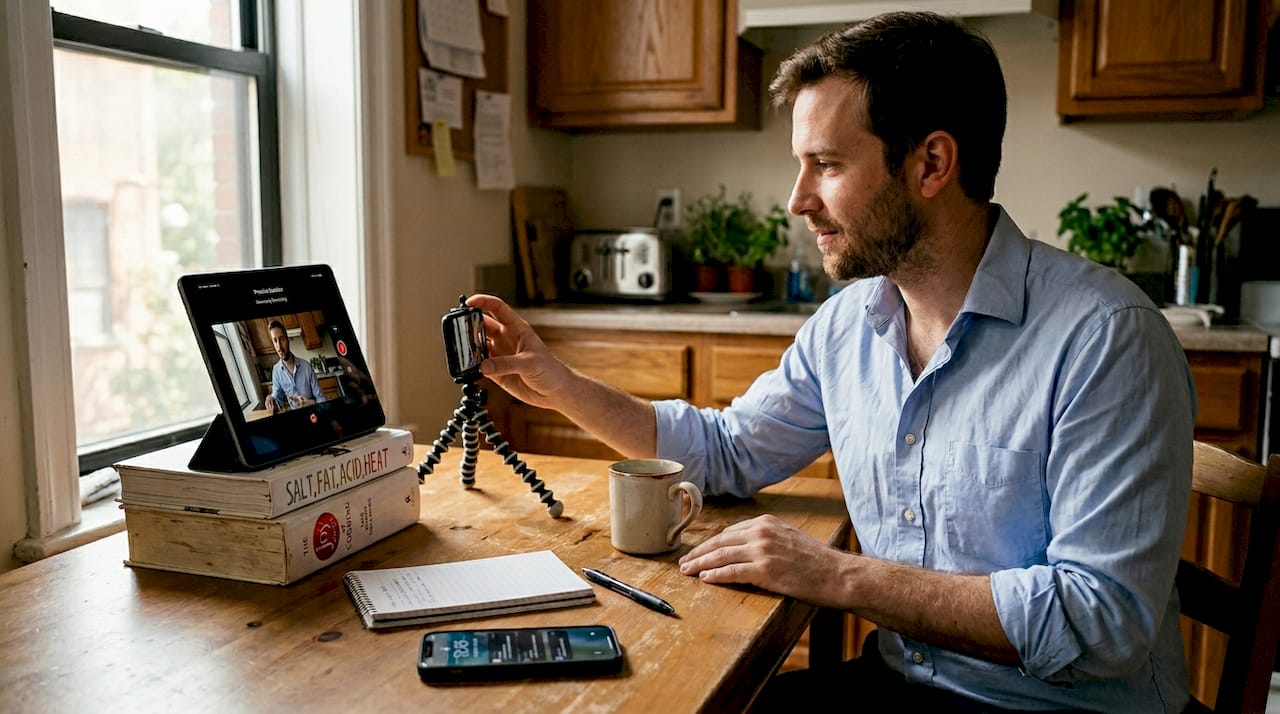
- Position your camera at eye level: A laptop propped on books works fine. Looking slightly down into a camera reads as disengaged on screen.
- Eliminate distractions: Silence your phone, close unnecessary browser tabs, and if possible, let others in your home know you are unavailable.
Following video interview best practices like these is what separates candidates who look polished from those who look rushed. A solid core checklist always includes confirming details, testing tech, setting up a professional environment, and staying actively engaged throughout the call.
Pro Tip: Plug into Ethernet instead of relying on WiFi. A wired connection dramatically reduces the risk of lag, dropped audio, or frozen video at the worst possible moment.
AI-driven video interviews: What candidates need to know
Many job seekers still think of video interviews as just a remote version of a traditional conversation. That assumption can cost you. Major employers now use AI to analyze your responses in ways that go far beyond what a human reviewer catches in real time.
AI-powered video interviews analyze body language, micro-expressions, and speech pace, and they are already used by a significant number of large employers in their screening process. The role of AI in video interviews is growing fast, and understanding what these systems measure gives you a real edge.
Here is what AI scoring systems typically evaluate:
- Speech clarity and pacing: Filler words like “um” and “uh” are tracked. A steady, measured pace scores better than rushing.
- Tone and sentiment: Algorithms detect emotional tone, so flat or monotone delivery can register as low engagement.
- Response structure: Organized, logical answers score higher than rambling ones.
- Eye contact: Looking at your camera lens, not your own video feed, registers as direct eye contact to the system.
- Facial expressions: Micro-expressions are analyzed for consistency with your verbal content.
| Criteria | AI interview focus | Traditional interview focus |
|---|---|---|
| Eye contact | Camera gaze tracking | Natural eye contact with interviewer |
| Speech pace | Filler word count, WPM | Overall fluency impression |
| Body language | Micro-expression analysis | Posture and gestures |
| Answer structure | STAR format detection | Logical flow and relevance |
| Tone | Sentiment scoring | Enthusiasm and warmth |
AI-driven tools reduce hiring bias by 30% and cut time-to-hire by up to 50%, which is why adoption keeps climbing. Poor audio or video quality biases the recruiter, even when AI is acting as an intermediary. That is not a small detail. It means your technical setup is part of your score.
Pro Tip: Practice maintaining a steady pace and keeping your eyes on the camera lens rather than your own reflection. It feels unnatural at first but reads as confident and direct on screen.
Leveraging AI tools for interview prep advantage
Knowing that AI evaluates your interviews is only useful if you actually practice for it. The good news is that the same technology used to screen you can also be used to prepare you.
AI interview tools like Huru.ai, Enhancv, and Microsoft Copilot simulate real interview conditions, analyze your responses, and give you structured feedback on content, delivery, and pacing. They essentially let you experience the scoring process before it counts.
Here is a simple step-by-step process to get the most out of AI prep:
- Select a specific job description: Paste it into your chosen tool so the mock questions are relevant to the actual role.
- Run a full mock interview: Treat it like the real thing. Camera on, professional attire, timed responses.
- Review the AI-generated report: Look at your STAR answer structure, content clarity, filler word frequency, and pacing score.
- Identify your top two weaknesses: Do not try to fix everything at once. Focus on the issues that affect your score most.
- Repeat with a second tool: Different platforms catch different patterns, so varied feedback gives you a fuller picture.
Real-time coaching through AI for interview prep sharpens both live and asynchronous performance. AI prep tools give candidates a genuine edge because they simulate the exact scoring criteria you will face in the real interview, not just general communication feedback.
Pro Tip: Use at least two different AI tools before your actual interview. Each platform has its own scoring model, and comparing feedback helps you spot blind spots you might otherwise miss.
Navigating edge cases: Tech fails and unexpected issues
Even the most prepared candidates hit unexpected problems. A power outage, a frozen screen, a sudden background noise. What separates strong candidates is not that they avoid these moments but that they handle them without losing composure.
Start by building a backup plan before the interview even begins. Keep a phone as a fallback, use Ethernet over WiFi where possible, and store your backup notes somewhere off-camera but within reach.
Here is a comparison of the best actions for common failure points:
| Failure point | Before the interview | During the interview | After the interview |
|---|---|---|---|
| Internet drops | Test connection, have hotspot ready | Switch to phone hotspot immediately | Email interviewer to explain and reschedule if needed |
| Camera freezes | Restart app before joining | Rejoin the call, apologize briefly | Follow up with a note acknowledging the issue |
| Audio cuts out | Check mic settings, use wired headset | Type in chat to flag the issue | Confirm they received your responses |
| Power outage | Charge device fully beforehand | Switch to phone, continue calmly | Send a follow-up email promptly |
Follow these steps if something goes wrong mid-interview:
- Stay visibly calm. AI systems and human interviewers both register panic negatively.
- Address the issue briefly and without over-apologizing.
- Reconnect as quickly as possible using your backup device or hotspot.
- Continue your answer from where you left off, if the platform allows it.
- Send a follow-up email after the interview acknowledging the disruption professionally.
Following solid interview best practices means planning for failure, not just success. AI systems often allow candidates to continue responses after a brief interruption, so do not assume a glitch ends your chances.
Pro Tip: Even when something goes wrong, keep a genuine smile and a moderate pace. Staying composed under pressure is itself a signal that scores well with both AI and human evaluators.
What most video interview checklists miss: Beyond the basics
Most checklists stop at tech setup and attire. That is necessary but not sufficient. The candidates who consistently move forward in competitive hiring processes bring something that no checklist item can fully capture: genuine presence.
AI may assess micro-expressions and tonal consistency, but human evaluators still respond strongly to enthusiasm, authentic storytelling, and real-time adaptability. Even behind a screen, energy is visible. A candidate who is technically flawless but emotionally flat rarely makes a lasting impression.
Our experience watching candidates prepare and perform shows one clear pattern. Those who practice true engagement through the camera, an engaging smile, confident posture, and complete focus on the conversation, consistently outperform those who treat the interview as a checklist exercise. Following AI interview best practices is about blending technical readiness with authentic human connection.
The real preparation formula is simple: tech checks plus AI awareness plus genuine presence. All three together. Miss any one of them and you leave points on the table.
Level up with tailored coaching and next-gen tools
You now have a complete framework for video interview success, from pre-interview setup to handling tech failures to understanding what AI actually measures. The next step is putting it into practice with tools built specifically for this challenge.
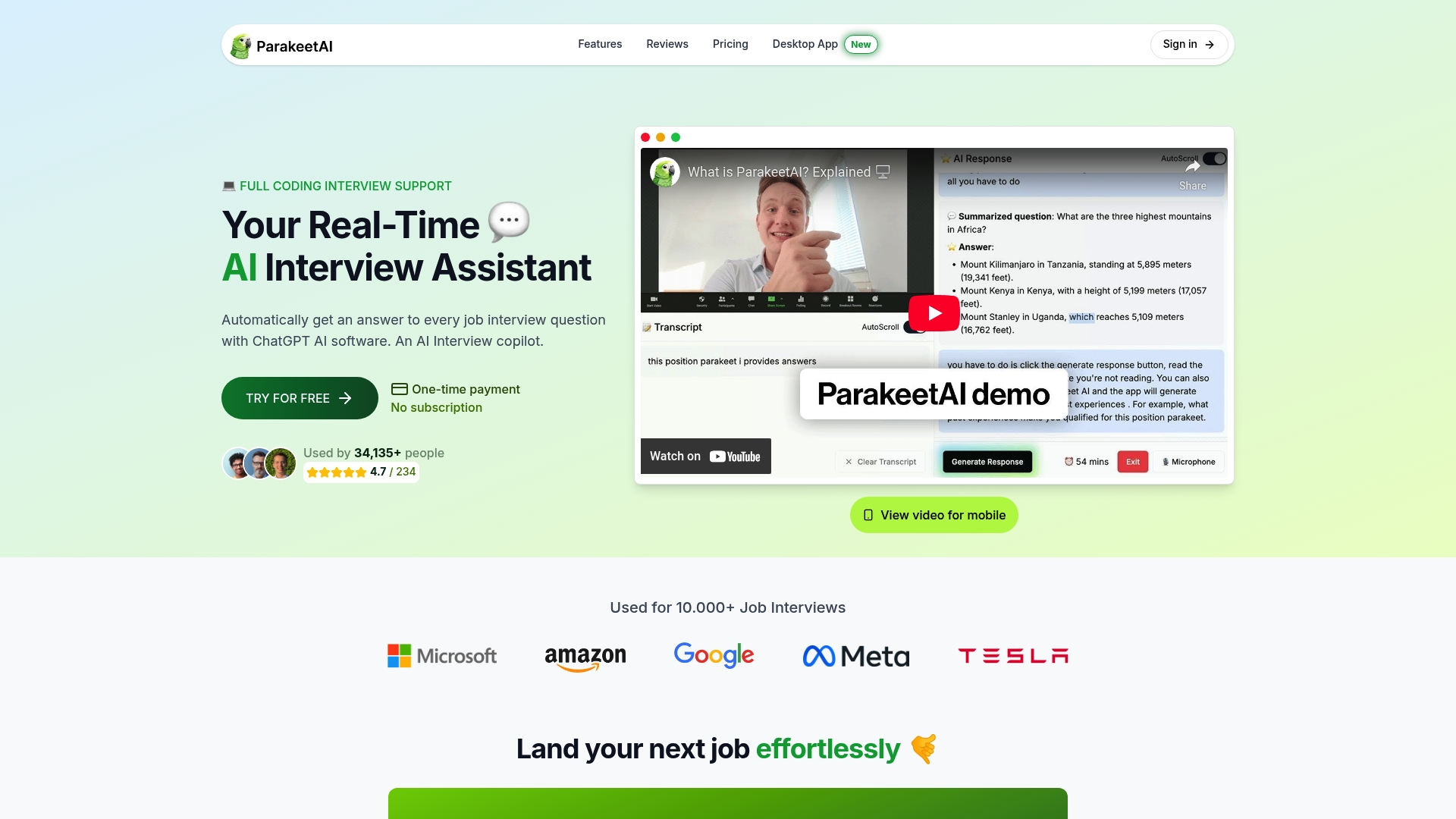
ParakeetAI is a real-time AI interview assistant that listens to your interview and automatically generates answers to every question as it happens. Pair that with structured further interview preparation resources on the blog, and you have a complete system for walking into any video interview with genuine confidence. Explore the platform today and turn your preparation into performance.
Frequently asked questions
How early should I log into a video interview?
Log in at least 10 to 15 minutes early to test your camera and mic and resolve any last-minute issues before the interviewer joins.
What should I wear for a video interview?
Choose professional full-body attire in solid colors to convey readiness and avoid visual distractions on camera.
How do I handle unexpected technical issues during a video interview?
Have a backup device ready, stay calm, and communicate promptly with your interviewer if a disruption occurs.
Can AI really impact my video interview?
Yes. AI analyzes body language and speech patterns during video interviews, directly influencing your score and hiring outcome.
What AI tools should I use to practice for video interviews?
Huru.ai, Enhancv, and Microsoft Copilot all offer tailored mock interviews and structured feedback designed to prepare you for AI-scored screens.