
Why Speech-to-Text for Interviews: A Pro's Guide
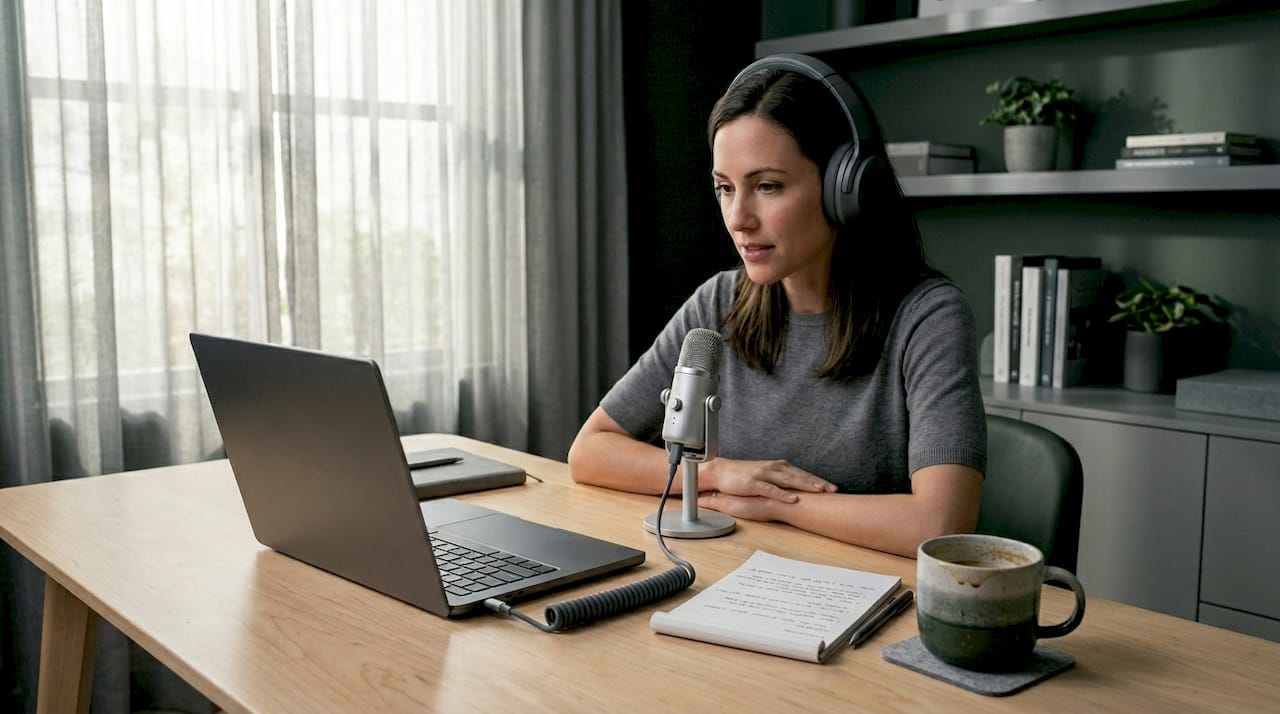
TL;DR:Speech-to-text technology significantly reduces interview transcription time by up to 90%, enabling professionals to save hours. It enhances interview presence, provides searchable records, and supports better preparation, follow-up, and analysis. A hybrid approach of AI drafts and human review ensures high accuracy, transforming transcripts into valuable strategic assets.
Manually transcribing a one-hour interview can eat up four to six hours of your day. That’s not a typo. If you’ve ever sat down after a job interview or a research session and tried to reconstruct every word from memory or a messy notes document, you already know why speech-to-text for interviews has become the tool professionals refuse to work without. This guide breaks down exactly what speech-to-text technology is, why it matters for interview contexts, how to use it well, and how to turn transcripts into real career or professional leverage.
Table of Contents
- Key takeaways
- Why speech-to-text for interviews changes everything
- The real benefits of speech-to-text for interviews
- Best practices for getting accurate transcripts
- Turning interview transcripts into strategic assets
- My take on why this shift matters more than people realize
- How Parakeet-ai takes this further
- FAQ
Key takeaways
| Point | Details |
|---|---|
| Massive time savings | AI transcription reduces hours of manual work to minutes, saving up to 90% of your time. |
| Better focus during interviews | Removing the need for note-taking lets you stay present and respond more naturally. |
| Higher accuracy with good audio | External microphones and sound checks directly improve transcript quality and usability. |
| Transcripts drive better analysis | Searchable, structured text lets you extract patterns, quotes, and follow-up material quickly. |
| Hybrid workflows deliver the best results | Combining AI transcription with a brief human review produces the most reliable transcripts. |
Why speech-to-text for interviews changes everything
Speech-to-text, sometimes called automatic speech recognition (ASR) or audio-to-text technology, converts spoken words into written text using AI language models trained on enormous datasets. In an interview context, this means your conversation gets captured word for word in real time or shortly after recording, without anyone transcribing it by hand.
The core process works like this: audio is captured through a microphone, segmented into short chunks, and processed by a neural network that predicts the most likely sequence of words. Modern systems don’t just guess at individual sounds. They analyze context across full sentences, which is why they handle natural speech patterns far better than older voice recognition software.
For interviews specifically, a few features matter most:
- Speaker diarization: The ability to separate and label different speakers automatically. This is critical for any multi-person interview where you need to know who said what.
- Timestamps: Automatic time markers tied to each section of the transcript, making it easy to jump back to a specific moment in the recording.
- Real-time transcription: Some tools generate text as you speak, so you can see the transcript develop live during the conversation.
- Vocabulary adaptation: Advanced systems can be tuned for industry-specific terminology, reducing errors on words that general models might mishear.
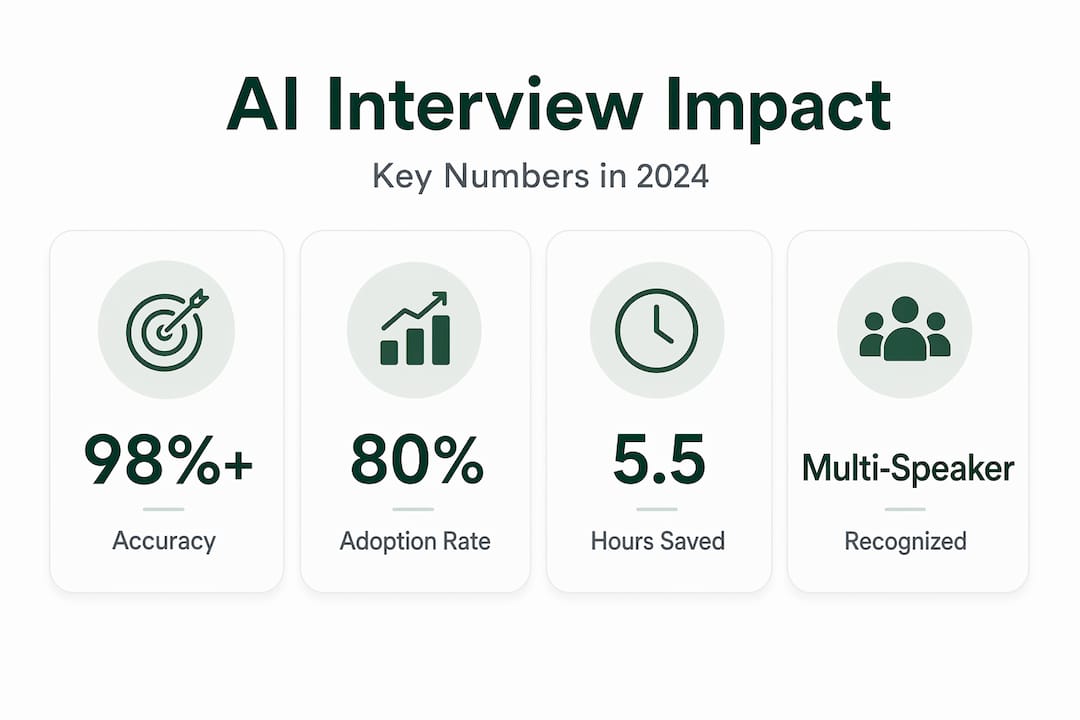
Accuracy has improved dramatically. On-device ASR models now achieve word error rates as low as 8.20%, running faster than real time on standard CPUs. That’s a level of precision that was unthinkable five years ago.
The main challenge is audio quality. Overlapping speech, heavy accents, background noise, and low-quality microphones all introduce errors. Knowing this upfront shapes how you should prepare, which we’ll cover in detail later.
The real benefits of speech-to-text for interviews
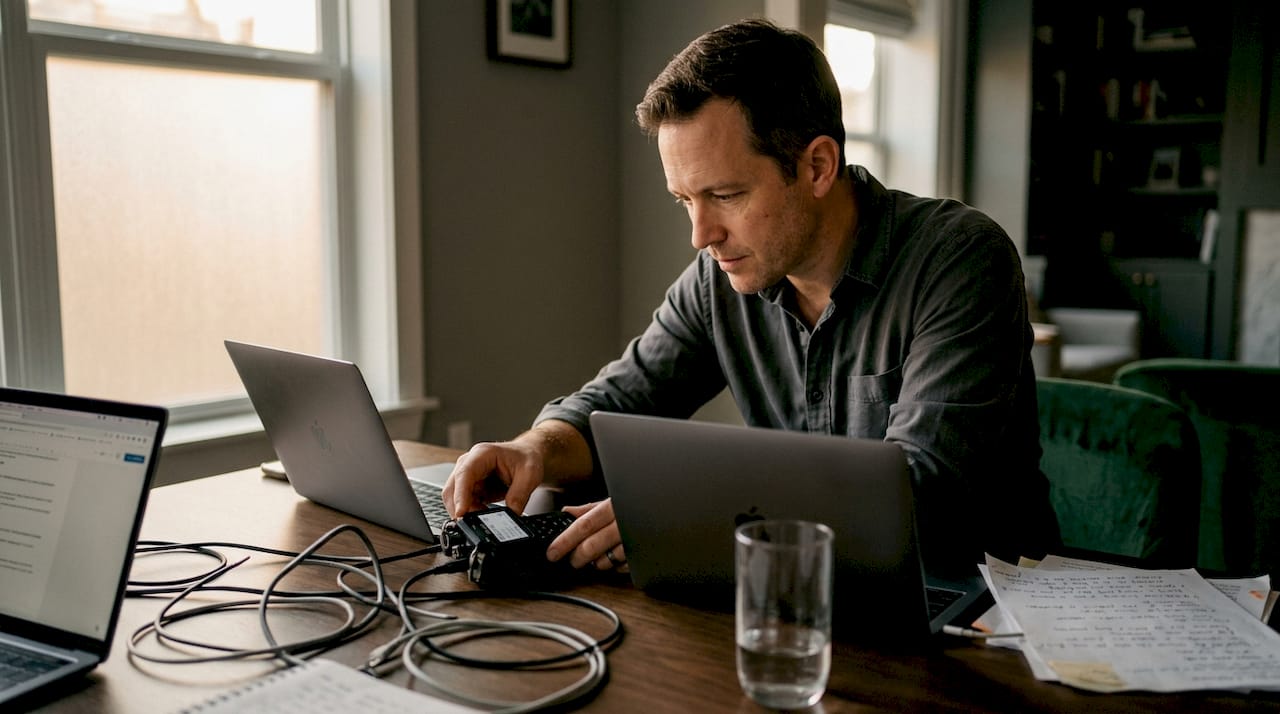
The obvious benefit is time. Manual transcription takes four to six hours per hour of audio. AI-powered tools compress that to minutes, representing up to 90% time savings. That’s not a marginal gain. For a job seeker reviewing five recorded mock interviews, or a hiring manager analyzing a round of candidate conversations, that difference is measured in days.
90% time savings. AI transcription tools process one hour of interview audio in minutes, compared to the four to six hours required for manual transcription.
But the time argument is just the surface. Here’s what professionals who’ve adopted speech-to-text technology for interviews consistently report as their bigger wins:
- Full presence during the conversation: When you’re not scrambling to write notes, you actually listen. Speech-to-text allows interviewers to be fully present instead of distracted by note-taking, which directly improves the quality of the conversation.
- A searchable permanent record: Instead of a vague memory or fragmented bullet points, you get a searchable document. Want to find every time a candidate mentioned a specific skill? Three keystrokes.
- Better interview preparation: Job seekers who record and transcribe practice interviews can read back their answers, spot filler words, identify weak explanations, and improve before the real thing.
- Stronger follow-up communication: Accurate transcripts let you pull exact quotes from conversations when writing thank-you notes, negotiation emails, or post-interview reports.
- Accessibility and documentation quality: Transcripts support team members who are deaf or hard of hearing and create formal records that can be shared, archived, and referenced later.
Federal agency employees save an average of 5.5 hours weekly using AI transcription tools, with an 80% adoption rate across teams. That adoption number tells you this isn’t a niche preference. It’s becoming standard practice.
Pro Tip: Record a short two-minute test interview the first time you use any speech-to-text tool. Review the transcript before your real session so you know exactly what the output looks like and can catch any settings you need to adjust.
Best practices for getting accurate transcripts
Good transcription starts before you say a single word. The technology can only work with what it receives, so your audio setup is the single most important variable you control.
Here’s a step-by-step approach to maximizing transcript quality:
- Use an external microphone. High transcript quality depends on clear audio capture. A lavalier mic or a quality USB microphone captures voice far more cleanly than a built-in laptop microphone. This one change reduces errors more than any software setting.
- Run a 30-second sound check. Performing a brief sound check before recording avoids unusable audio and saves editing time later. Record yourself speaking naturally, play it back, and confirm clarity.
- Minimize background noise. Close windows, mute phone notifications, and pick a quiet room. Even low-level HVAC hum can confuse ASR models during softer speech.
- Brief all speakers before recording. Ask everyone to speak clearly, avoid talking over each other, and state their name at the start. This helps speaker diarization work correctly.
- Label speakers consistently. Consistent speaker labeling is critical for transcript usability. Use clear identifiers like “Interviewer:” and “Candidate:” throughout. This enables reliable data interpretation and, if you’re doing research, easy integration with analysis software.
- Choose the right transcription style. Verbatim transcription captures every “um” and pause, which is useful for analyzing communication patterns. Clean read transcription removes filler words for a polished record. Pick based on your goal.
Here’s a quick comparison to help you choose the right style:
| Transcription style | Best for | Trade-off |
|---|---|---|
| Verbatim | Analyzing speech patterns, research | Harder to read, more text to process |
| Clean read | Professional documentation, hiring reports | Loses nuance and natural speech cues |
| Intelligent verbatim | General interviews, follow-up preparation | Balanced but requires light human review |
AI transcription software can produce 98%+ accuracy transcripts including speaker diarization for multi-speaker interviews, but only when audio input is clean. A hybrid transcription approach, where AI generates the first draft and a human does a light review pass, consistently delivers the best balance of speed and accuracy.
Pro Tip: After receiving your AI-generated transcript, read it once at 1.5x audio speed while following the text. You’ll catch errors in under 10 minutes and end up with a document you can actually trust.
Turning interview transcripts into strategic assets
A transcript sitting in a folder does nothing for you. The professionals who get the most out of speech-to-text technology treat the transcript as raw material, not a finished product.
Transcription is foundational to turning raw audio into strategic assets that go well beyond a text file. Here’s what that looks like in practice:
- Self-coaching for job seekers: After a mock or real interview, read the transcript and highlight answers that felt weak in hindsight. Count filler words per minute. Notice where you went off-topic. This is the kind of precise feedback a coach gives you, available from your own recording.
- Building a personal question bank: Every interview you transcribe adds to a growing library of questions you’ve faced. Over time, this becomes a preparation resource you can’t buy anywhere. Check out interview transcript analysis techniques to learn how to extract structured insights from your recorded conversations.
- Preparing for follow-up negotiations: When you have an exact record of what a recruiter promised about salary, benefits, or timelines, you negotiate from a position of clarity rather than memory.
- Thematic analysis for researchers and HR professionals: AI tools can scan transcripts for recurring themes, keywords, and sentiment patterns. What would once take days of manual reading can be done in hours.
- Generating structured reports: Raw transcripts can be reformatted into highlight reels, key quote summaries, or evaluation documents that teams can review without listening to recordings.
Explore AI-powered job interview tools if you want to go deeper on using AI not just for transcription but for real-time interview support and analysis. The landscape for interview recording technology has matured significantly, and there are now purpose-built tools designed specifically for job seekers who want to perform better on both sides of any interview table.
My take on why this shift matters more than people realize
I’ve watched professionals resist transcription tools for years, usually with the same reasoning: “I take good notes” or “I’ll remember the important parts.” What I’ve found is that both claims fall apart under scrutiny.
Memory reconstructs rather than records. The notes we take during a high-stakes interview reflect what we already believed before the conversation started. We write down what confirms our expectations and skip past the details that challenge them. A transcript doesn’t do that. It captures exactly what was said, not what we thought we heard.
The focus benefit is the one that surprises people most. When I’ve seen professionals switch from note-taking to full reliance on transcription, the quality of their questions improves immediately. They follow the conversation instead of their notepad. That kind of presence changes outcomes.
The mistake I see most often is over-relying on raw AI output without any review. A 95% accurate transcript sounds impressive until you realize that 5% error rate in a 60-minute interview means hundreds of potentially wrong words. A hybrid workflow, AI draft plus a single quick review pass, closes that gap and takes less time than anyone expects.
My recommendation: start with one recorded practice interview this week. Review it. You’ll find at least three things you want to change. That’s the value.
— Jure
How Parakeet-ai takes this further
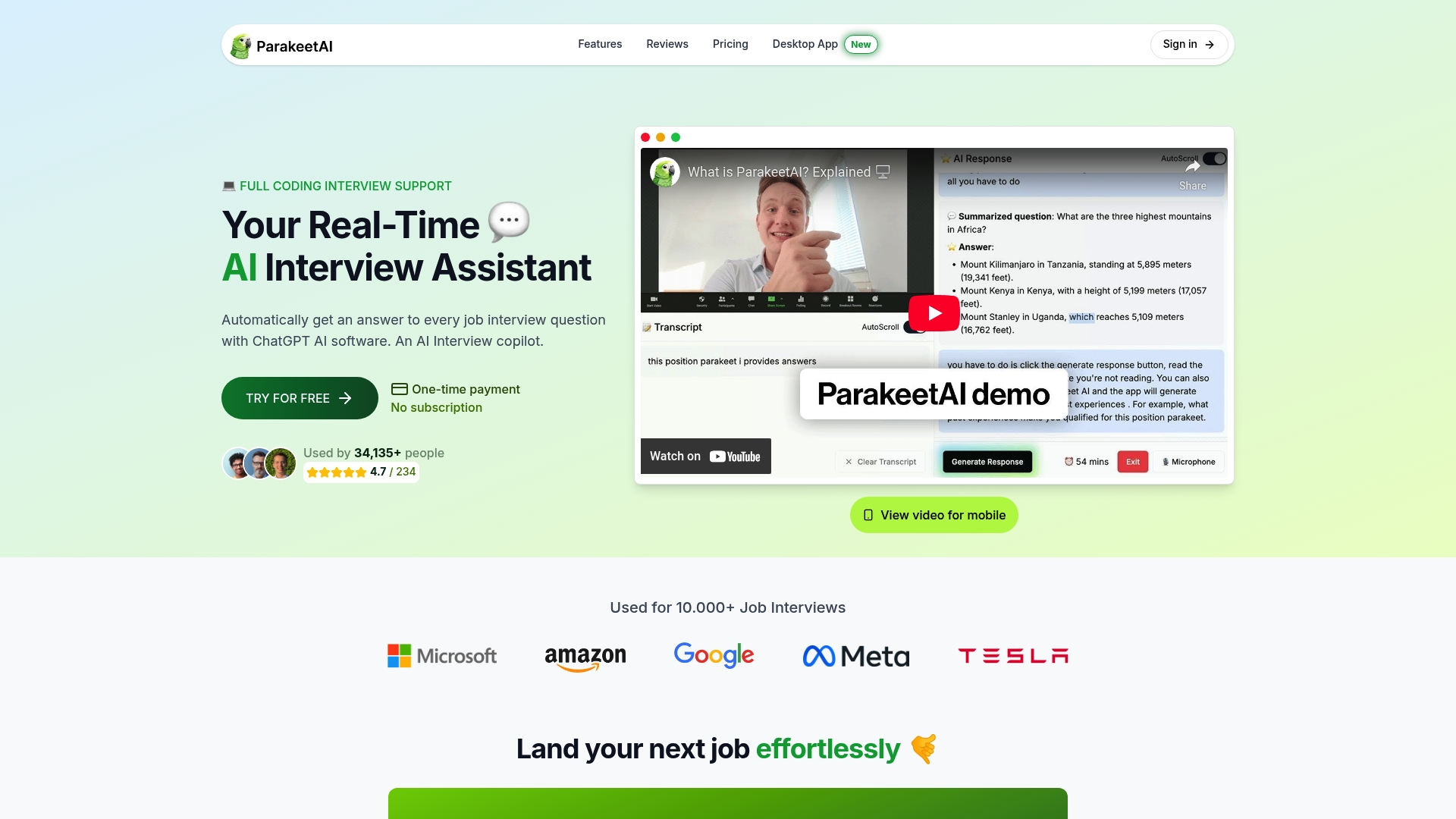
Parakeet-ai was built specifically for interview contexts where speed, accuracy, and presence all matter at once. Rather than recording and transcribing after the fact, Parakeet-ai works in real time during your interview. It listens to questions as they’re asked and automatically generates AI-powered answers you can use instantly.
For job seekers, this means you’re never caught flat-footed by an unexpected question. For professionals analyzing interview patterns, the platform captures and processes conversation data you can act on immediately. The combination of AI for interview transcripts and live response assistance puts you in a fundamentally different position than candidates relying on memory and handwritten notes alone.
If you’re serious about improving your interview performance, try Parakeet-ai and see how real-time AI support changes what’s possible in any interview setting.
FAQ
What is speech-to-text in interviews?
Speech-to-text in interviews is the use of AI-powered automatic speech recognition (ASR) technology to convert spoken interview conversations into written text, either in real time or from a recording.
How much time does AI transcription save compared to manual transcription?
AI transcription saves up to 90% of the time required for manual transcription, reducing four to six hours of work per interview hour down to just minutes.
How accurate is speech-to-text for interviews?
Modern ASR tools can reach 98%+ accuracy with proper audio setup, including speaker diarization. Accuracy drops significantly with poor microphone quality or overlapping speakers.
What is the best approach to get high-quality interview transcripts?
Use an external microphone, run a 30-second sound check, minimize background noise, and apply a hybrid workflow where AI generates the transcript draft and a human does a quick review pass for the most reliable results.
Can job seekers use speech-to-text to improve their interview performance?
Yes. Transcribing practice interviews lets job seekers review their actual answers, identify weak spots, count filler words, and build a personal library of questions and responses they can refine over time.