How to Ace a Zoom Interview: 12 Expert-Backed Tips

Acing a Zoom interview comes down to three things: a professional technical setup, structured communication, and genuine connection through a screen. Get all three right, and the format works in your favor. Skip any one of them, and even a strong candidate can fall flat.
Table of Contents
- How to ace a Zoom interview: the key elements
- 1. Run a technical audit before interview day
- 2. Use the STAR method to answer behavioral questions
- 3. Build rapport and manage your energy on camera
- 4. Prepare insightful questions for the interviewer
- 5. How Parakeet-ai helps you perform better in real time
- 6. Managing technical issues during the interview
- 7. Time management during the interview
- 8. Follow-up etiquette after the interview
- Key Takeaways
How to ace a Zoom interview: the key elements
Before diving into each strategy, here is what the research consistently points to as the foundation for virtual interview success:
- Professional setup: front-facing light, camera at eye level, clean background, wired audio
- Structured answers: use the STAR method (Situation, Task, Action, Result) for behavioral questions
- Virtual rapport: intentional small talk, amplified energy, and deliberate eye contact with the lens
- Muting etiquette: stay muted when not speaking; unmute quickly and cleanly
- Prepared questions: bring at least three thoughtful questions; ask at least two
- AI assistance: tools like Parakeet-ai provide real-time answer suggestions during live interviews
1. Run a technical audit before interview day
A pre-interview technical audit transforms your personal space into a credibility-reinforcing professional setup environment. Open your video platform, turn on the camera, and take a screenshot of exactly what the interviewer will see. Then look at it critically.
Lighting is the single biggest visual factor. Sit facing a window or lamp so the light hits your face directly. A window behind you creates a silhouette. If your interview is in the evening, a basic ring light or desk lamp aimed at your face solves the problem entirely.
Camera angle matters more than most people realize. The lens should sit at eye level or very slightly above. If your laptop rests flat on a desk, stack books or use a stand until the camera aligns with your eye line. Shooting from below is unflattering and projects the wrong energy.
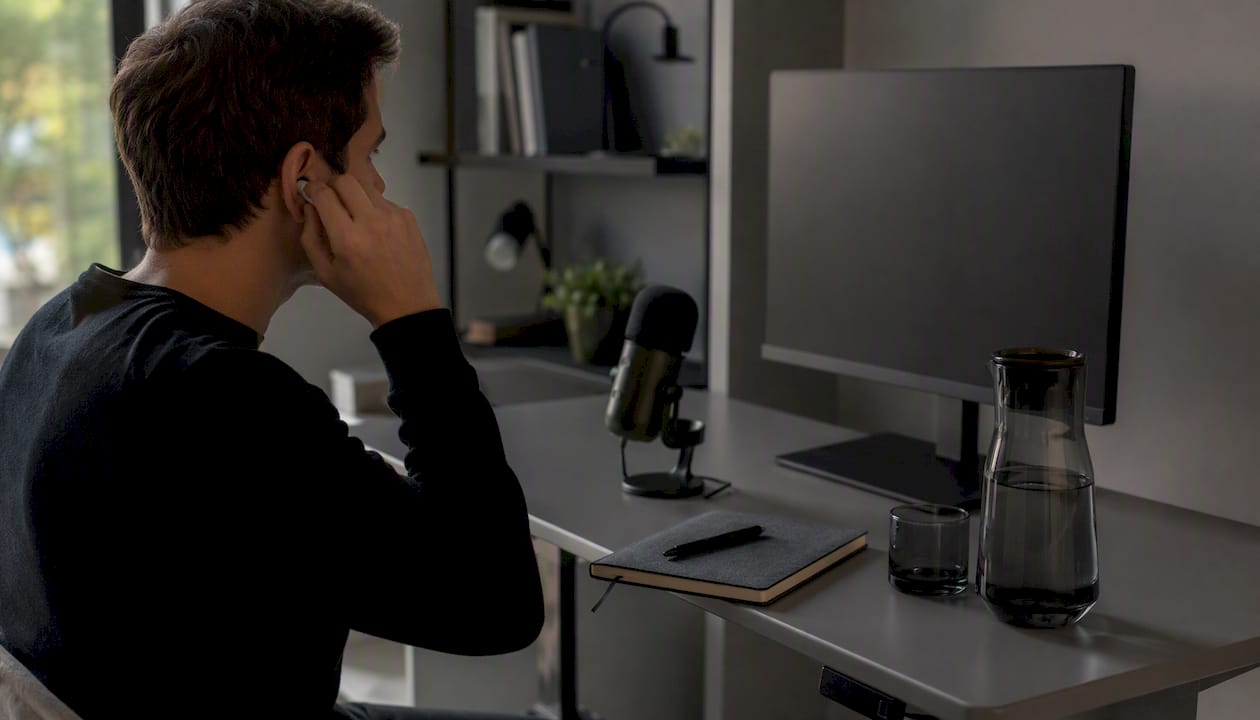
Audio is where candidates lose points they never expected to lose. Wired headphones beat Bluetooth every time: no latency, no dropout risk, and the microphone sits closer to your mouth. A USB cardioid mic is an even better option if you prefer not to wear headphones.
Pro Tip: Take a screenshot of your Zoom window and upload it to an AI tool for feedback on your framing, lighting, and background. It takes five minutes and catches problems you would never notice just glancing at your own preview.
Test your internet connection, update Zoom, close unnecessary apps, and have your phone hotspot ready as a backup. Join the meeting five minutes early. There are no acceptable technical excuses when you had 24 hours to prepare.
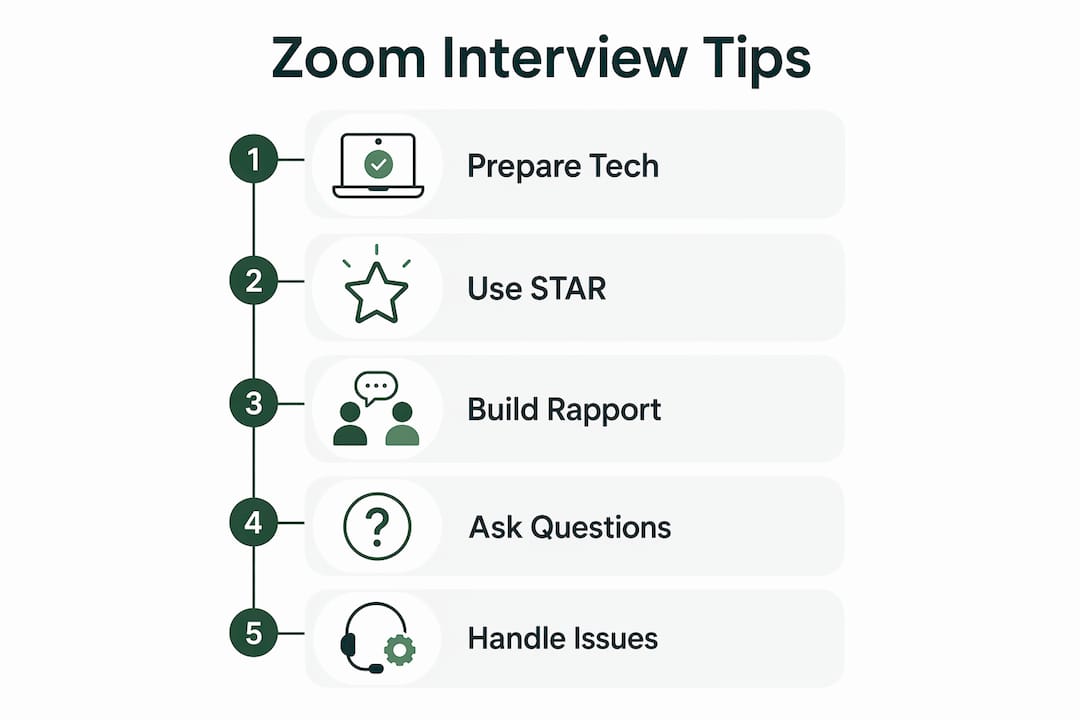
2. Use the STAR method to answer behavioral questions
The STAR method gives behavioral answers a clear shape: Situation, Task, Action, Result. On a video call, where attention spans are shorter and in-person cues are absent, that structure keeps the interviewer engaged.
“If you want to ace a Zoom interview, be concise. Long-winded answers make it harder for the interviewer to remain engaged, especially when speaking over video. Clear, to-the-point responses show confidence and make it easier for the interviewer to absorb what you are saying.” — Sebastian Wade, Eden Emerald Buyers Agent, via Zapier
A strong STAR answer runs for a moderate length suitable to keep the interviewer engaged for most questions. Set the scene briefly (Situation), clarify your specific role (Task), describe what you actually did (Action), and land on a concrete outcome (Result). The Result is where most candidates rush or go vague. Name a number, a timeline, or a specific change whenever you can.
Bullet-point prompts taped near your camera lens let you stay on track without reading from a script. Notes are an advantage. Scripts are a liability. A scripted answer breaks eye contact at predictable moments and loses the conversational quality that builds trust.
3. Build rapport and manage your energy on camera
Small talk before the interview officially begins humanizes the interaction. A brief comment about the weather, a shared experience with remote work, or a genuine question about the interviewer’s day creates connection before the formal questions start.
Energy is trickier. Video compresses personality. Sylvie di Giusto, a keynote speaker cited by Zapier, recommends bringing noticeably more enthusiasm than feels necessary, varying your tone and pacing, and using more expressive facial cues than you would in person. Amplify your facial expressions moderately to compensate for the camera’s dampening effect.
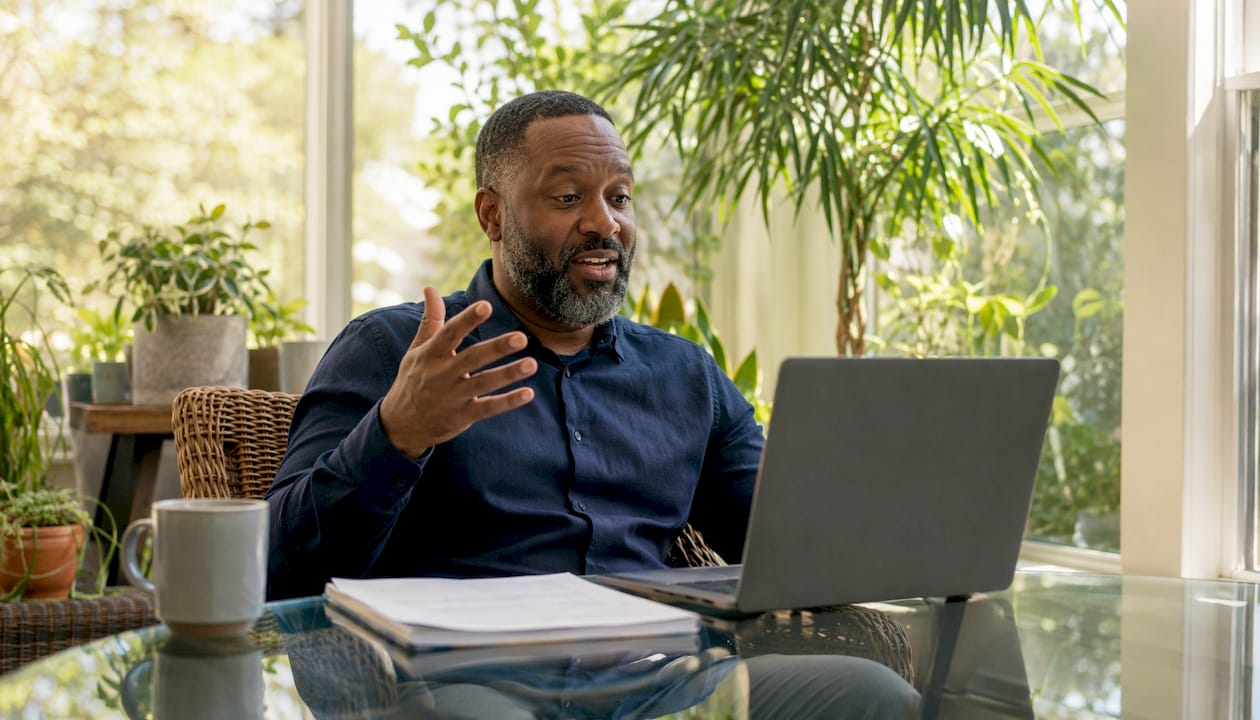
Use the interviewer’s energy as your gauge. Matching their tone and pacing makes the conversation feel more natural and reduces the perceived distance that video creates. If they are measured and calm, dial back the theatrics. If they are warm and animated, meet them there.
Pro Tip: Practice the 80/20 eye contact rule: spend 80% of your speaking time looking directly into the camera lens, and 20% glancing at the screen to read reactions. A small sticky note or green dot next to the lens gives you a visual anchor.
Pauses work in your favor on video. Taking a beat before answering a complex question reads as thoughtful, not hesitant. The urge to fill silence with filler words is one of the most common tells of a nervous candidate.
4. Prepare insightful questions for the interviewer
Candidates who prepare at least three genuine questions and ask at least two of them signal both curiosity and seriousness. “Do you have any questions?” is not a formality. Interviewers treat it as a test of engagement.
Strong question categories include:
- Team dynamics: How does the team communicate day-to-day, especially across time zones?
- Role expectations: What does success look like in the first 90 days?
- Company culture: How does leadership handle disagreement or course corrections?
- Current challenges: What is the biggest obstacle the team is working through right now?
Avoid questions already answered in the job description or on the company website. Before the interview, load the job posting into an AI tool and ask it to surface what is already covered. That way, your live questions focus on details you genuinely could not find, like team communication norms or how performance gets evaluated remotely.
Weave your questions in naturally throughout the conversation, not just at the end. When an interviewer mentions a team restructure or a new product launch, that is an opening.
5. How Parakeet-ai helps you perform better in real time
Parakeet-ai listens to your interview as it happens and generates instant, contextually relevant answers to every question. For candidates who freeze on unexpected questions or lose their train of thought mid-answer, that real-time support changes the dynamic entirely.
The tool supports both preparation and live performance:
- Practice mode: Generate likely questions from a job description and rehearse answers on camera
- Live assistance: Receive suggested answers in real time as the interviewer speaks
- Delivery feedback: Identify filler words, pacing issues, and structural gaps in your responses
- Behavioral guidance: Get STAR-structured prompts for common behavioral questions
Pro Tip: Upload your job description to Parakeet-ai before the interview and use it to generate role-specific practice questions. Then run a full mock interview on camera and review the playback for filler words and eye contact.
For remote interview preparation, Parakeet-ai reduces the anxiety of not knowing what is coming. When you know you have real-time support behind you, the interview feels less like a test and more like a conversation.
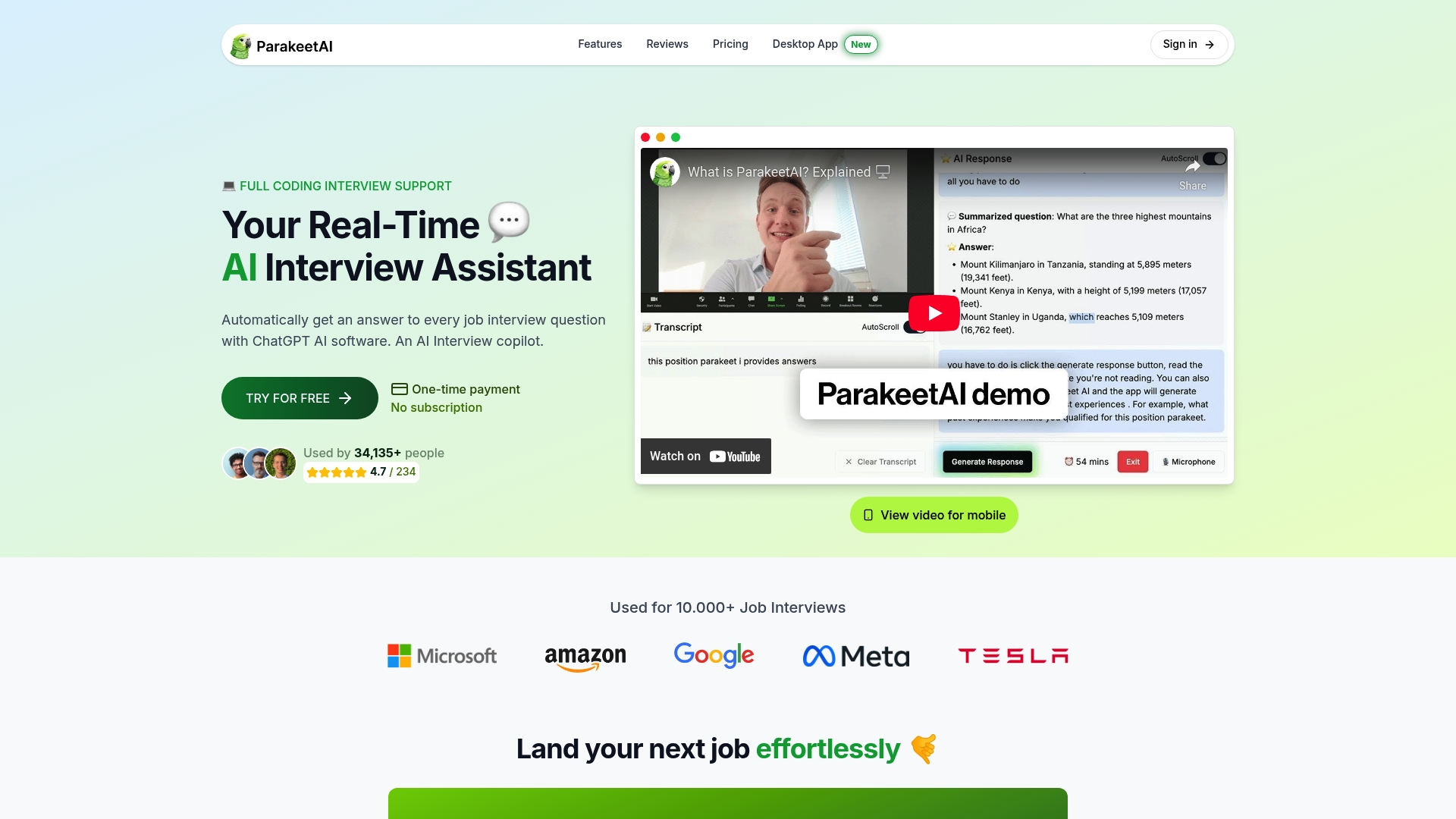
Try Parakeet-ai free at parakeet-ai.com and walk into your next Zoom interview with a real-time AI assistant in your corner.
6. Managing technical issues during the interview
How you handle a technical problem tells the interviewer as much about you as your answers do. Stay calm, acknowledge the issue briefly, and propose a solution fast. “I’m having some audio issues. Would it help if I dialed in by phone instead?” That response demonstrates composure and problem-solving, both qualities every remote employer values.
Prepare before the call: have the interviewer’s phone number saved, keep your phone hotspot active, and know Zoom’s dial-in number for your area. If your video freezes, switch to audio only rather than sitting in silence. A wired ethernet connection is more stable than Wi-Fi; if you must use Wi-Fi, sit as close to the router as possible and ask household members to pause heavy streaming during your interview window.
7. Time management during the interview
Aim for answers that are reasonably concise, allowing for more depth when necessary. Pause after finishing a point and check whether the interviewer wants you to continue. That rhythm shows you respect their time and know how to communicate without rambling.
Watch the clock on your end too. If the interviewer signals they are wrapping up, do not launch into a long final answer. Keep your prepared questions tight so you can ask two of them comfortably in the time remaining. Logging in five minutes early gives you a buffer to settle, check your setup one last time, and arrive mentally present rather than rushed.
8. Follow-up etiquette after the interview
Send a thank-you email within 24 hours. Keep it short: thank the interviewer by name, reference one specific topic from the conversation to show you were genuinely present, and restate your interest in the role. Generic thank-you notes get forgotten. A specific one gets remembered.
If you interviewed with a panel, send individual notes to each person. Connect on LinkedIn with a brief message referencing the interview. If you have not heard back within the timeframe the interviewer mentioned, one polite follow-up email is appropriate. Two is the limit. After that, move on and keep applying.
Key Takeaways
Acing a Zoom interview requires a professional technical setup, structured communication using the STAR method, deliberate rapport-building, and thoughtful questions prepared in advance.
| Point | Details |
|---|---|
| Run a technical audit | Take a screenshot of your setup and fix lighting, framing, and audio before interview day. |
| Use the STAR method | Structure behavioral answers as Situation, Task, Action, Result and keep answers concise. |
| Amplify your energy | Bring 10–15% more facial expression and 20–30% more enthusiasm to compensate for camera dampening. |
| Prepare at least three genuine questions and aim to ask at least two during the interview. Candidates who ask none signal low engagement to interviewers. | |
| Use Parakeet-ai | Real-time AI assistance during the live interview helps you handle unexpected questions with confidence. |