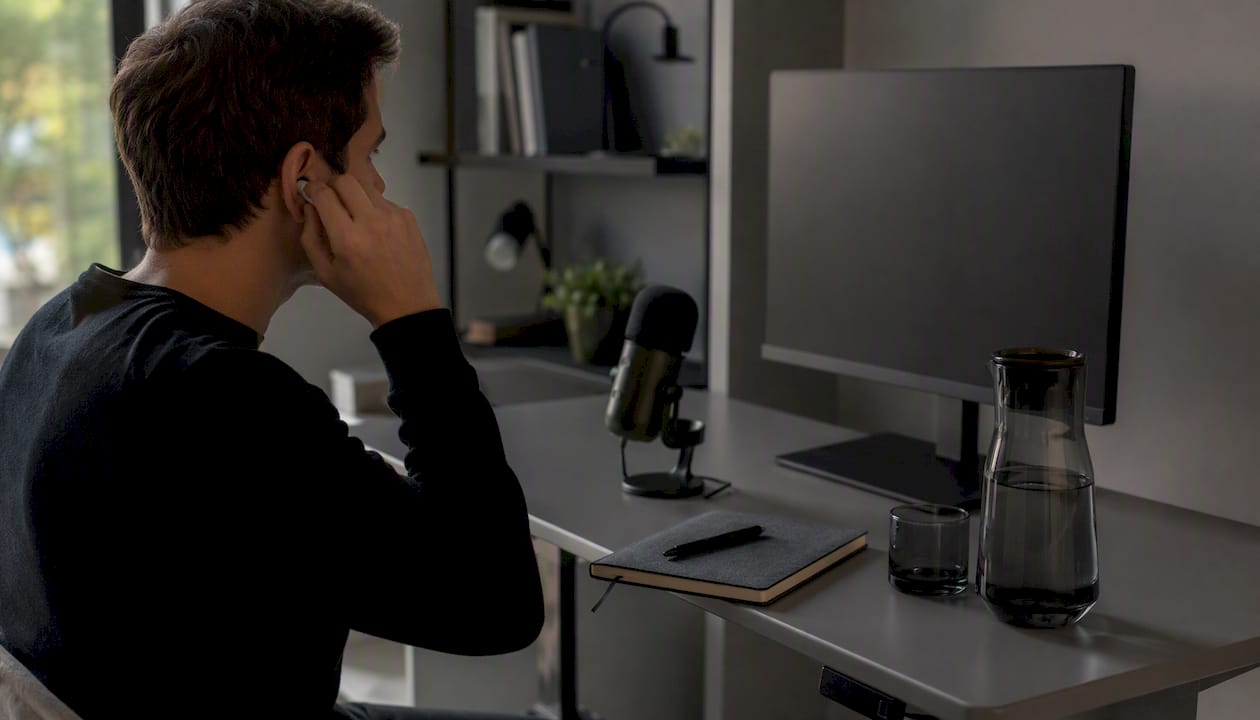
Pre-Recorded Video Interview Examples to Ace in 2026

TL;DR:Pre-recorded video interviews require candidates to deliver timed, structured responses without a live interaction. Success depends on proper preparation of answers, environment, body language, and adherence to time limits. Treat this format as a formal assessment, ensuring professionalism, technical readiness, and confident delivery to make a positive impression.
A pre-recorded video interview is a self-recorded assessment where you answer employer-set questions alone, on camera, with no live interviewer present. Known formally as a one-way or asynchronous video interview, this format is now standard screening practice at companies using platforms like HireVue and Spark Hire. You receive a link, record your responses within strict time limits, and submit before a deadline. The pre recorded video interview examples in this guide will show you exactly what strong answers look like, how to set up your environment, and what separates candidates who advance from those who do not.
1. What pre-recorded video interview examples actually look like
The format is more structured than most candidates expect. According to Hays NZ, candidates receive a link to an interview platform and must record responses within time constraints, often 2 to 3 minutes per question. That constraint is the defining feature. You are not having a conversation. You are delivering a timed, recorded performance.

Most platforms, including HireVue and Spark Hire, give you a brief window to read the question and think before recording begins. Once you start, the clock runs. Typical sessions last 15 to 30 minutes overall, with practice questions offered beforehand so you can test your setup and reduce anxiety. Treat those practice questions seriously. They are your only rehearsal before the real recording starts.
The questions themselves mirror phone screen questions. They focus on your background, your motivations, and behavioral examples from past experience. Knowing this in advance lets you prepare targeted answers rather than improvising under pressure.
2. Top 7 pre-recorded interview questions and how to answer them
These are the questions that appear most consistently across recorded interview samples from employers in technology, finance, and professional services.
- “Tell me about yourself.” Keep this to 90 seconds. Cover your current role, one or two relevant accomplishments, and why you are interested in this opportunity. Avoid reciting your full resume.
- “Why are you interested in this role?” Connect your specific skills to the job description. Name the company and reference something concrete about their work. Generic enthusiasm reads as unpreparedness.
- “Describe a workplace challenge you overcame.” This is a behavioral question. Use the STAR method (Situation, Task, Action, Result) to structure your answer. Recruiters score these responses against a rubric, so structure matters as much as content.
- “What is your greatest strength?” Name one strength, give a specific example, and tie it to the role. Avoid vague answers like “I am a hard worker.”
- “Where do you see yourself in five years?” Show ambition that aligns with the company’s direction. Avoid answers that suggest you plan to leave quickly.
- “Why are you leaving your current role?” Stay factual and forward-looking. Never criticize a former employer on a recorded assessment.
- “Do you have any questions for us?” Yes, always. Prepare two or three questions about the team, the role’s success metrics, or the company’s priorities. Asking nothing signals low interest.
Pro Tip: Record yourself answering each question on your phone before the actual interview. Watch the playback once with the sound off to check your body language, then once with your eyes closed to evaluate your pacing and clarity.
3. How to set up your environment and technology
Your physical setup is not a secondary concern. A poor background or unstable audio can undermine a strong answer before a recruiter even processes what you said.
- Test your equipment 15 to 20 minutes early. Check your camera, microphone, and internet connection before the session opens. Indeed recommends having your resume and notes nearby but out of frame, so you can glance at them without appearing distracted.
- Position your light source in front of you. Natural light from a window facing you is ideal. Backlighting turns you into a silhouette. A ring light is a reliable backup if natural light is inconsistent.
- Choose a neutral, uncluttered background. A plain wall or a tidy bookshelf works well. Avoid virtual backgrounds unless the platform specifically supports them without distortion.
- Dress fully in professional attire. Indeed notes that visible professional dress influences recruiter impressions even when only your upper body is shown. Dressing fully also shifts your own mindset into interview mode.
- Silence every notification source. Close browser tabs, silence your phone, and disable desktop notifications. A single ping during a recorded answer is a distraction you cannot edit out.
- Use the platform’s practice questions. Most platforms including Spark Hire provide a practice recording option. Use it to confirm your framing, audio levels, and lighting before the scored questions begin.
Pro Tip: Place a sticky note with your key talking points just above your camera lens. You can glance at it without breaking eye contact with the viewer.
4. Body language and communication in one-way video interviews
Non-verbal signals carry more weight in recorded formats than most candidates realize. When there is no live interviewer to read the room, your camera becomes your entire audience.
- Look at the camera lens, not the screen. Spark Hire explicitly flags that looking at the screen rather than the lens reduces perceived eye contact and hurts your impression. Put a small dot or sticker next to your camera as a focal point.
- Sit upright and keep your shoulders back. Slouching reads as disengagement. An upright posture signals confidence and attentiveness, even in a recording.
- Smile at natural moments. Forced smiling throughout looks uncomfortable. Smile when you introduce yourself, when you finish a strong point, and when you close your answer.
- Speak at a moderate, deliberate pace. AI-powered evaluation systems analyze micro-expressions and vocal pacing. Inconsistent pacing or rushed delivery can be flagged negatively, independent of your answer content.
- Eliminate fidgeting. Keep your hands in frame but still. Touching your face, tapping, or shifting repeatedly draws attention away from your words.
- Use pauses intentionally. A one-second pause before answering a difficult question reads as thoughtfulness, not hesitation. Silence is not a problem. Rambling to fill silence is.
5. Ideal responses vs. common mistakes: a side-by-side comparison
The gap between a strong and a weak recorded answer is often smaller than candidates think. The table below shows where most people lose points.
| Category | Strong example | Common mistake |
|---|---|---|
| Answer structure | Uses STAR format with a clear result | Tells a story with no defined outcome |
| Response length | Stays within the 2 to 3 minute window | Runs over time or stops at 45 seconds |
| Eye contact | Looks directly at the camera lens | Looks at own image on screen |
| Environment | Neutral background, front-facing light | Backlit window, cluttered shelves visible |
| Vocal delivery | Steady pace, clear enunciation | Monotone delivery or trailing sentences |
| Attire | Full professional dress | Casual top, unprofessional background |
| Engagement | Natural expressions, deliberate gestures | Flat affect, no facial variation |
Exceeding time limits or rambling are the primary reasons candidates are rejected in pre-recorded video interviews. That single data point should shape how you practice. Time every answer during preparation, not just once, but repeatedly until staying within the window feels automatic.
The asynchronous format also gives you a genuine advantage over a traditional resume. You can convey personality, communication skill, and composure in ways that no CV can replicate. Candidates who understand this treat the format as an opportunity rather than an obstacle.
Pro Tip: Use your video interview checklist the morning of your interview. Running through it once reduces the chance of a preventable technical error derailing an otherwise strong performance.
For a deeper look at the mechanics of one-way formats, the one-way video interview tips resource from Parakeet-ai covers platform-specific nuances worth reviewing before your session.
Key takeaways
Mastering pre-recorded video interviews requires equal attention to answer structure, technical setup, and non-verbal delivery, because all three are evaluated simultaneously.
| Point | Details |
|---|---|
| Use STAR for behavioral questions | Structure every situational answer with a clear Situation, Task, Action, and Result. |
| Time every practice answer | Responses over the 2 to 3 minute limit are a leading cause of rejection. |
| Look at the camera lens | Eye contact with the lens, not the screen, is how recruiters perceive engagement. |
| Dress fully and set up lighting | Front-facing light and full professional attire both influence recruiter impressions. |
| Use platform practice questions | Practice recordings confirm your setup and reduce anxiety before scored questions begin. |
What I have learned from watching candidates get this wrong
Most candidates who struggle with pre-recorded video interviews are not struggling because of weak answers. They are struggling because they treat the format like a casual video call. That is the core mistake, and it is surprisingly common even among experienced professionals.
I have seen candidates with genuinely strong backgrounds submit recordings where they are clearly reading from notes off-screen, wearing a blazer over a t-shirt, or sitting in front of a window that turns them into a silhouette. None of those things would happen in a face-to-face interview. They happen in one-way recordings because candidates do not take the format seriously enough.
The other pattern I notice is over-preparation for content and under-preparation for delivery. Someone will rehearse their STAR answers until they are polished, then record them in a flat, memorized tone that sounds robotic. The best video interview practice is not about memorizing scripts. It is about internalizing your key points well enough that you can deliver them conversationally, within the time limit, while looking directly at a camera lens.
Employers are increasingly using video screening as a first filter before any human contact. That means your recorded response is your first impression, and it is being evaluated by both AI systems and human reviewers. Treating it as a formal, timed assessment from the moment you open the link is the single most important mindset shift you can make.
— Jure
How Parakeet-ai helps you prepare for recorded interviews
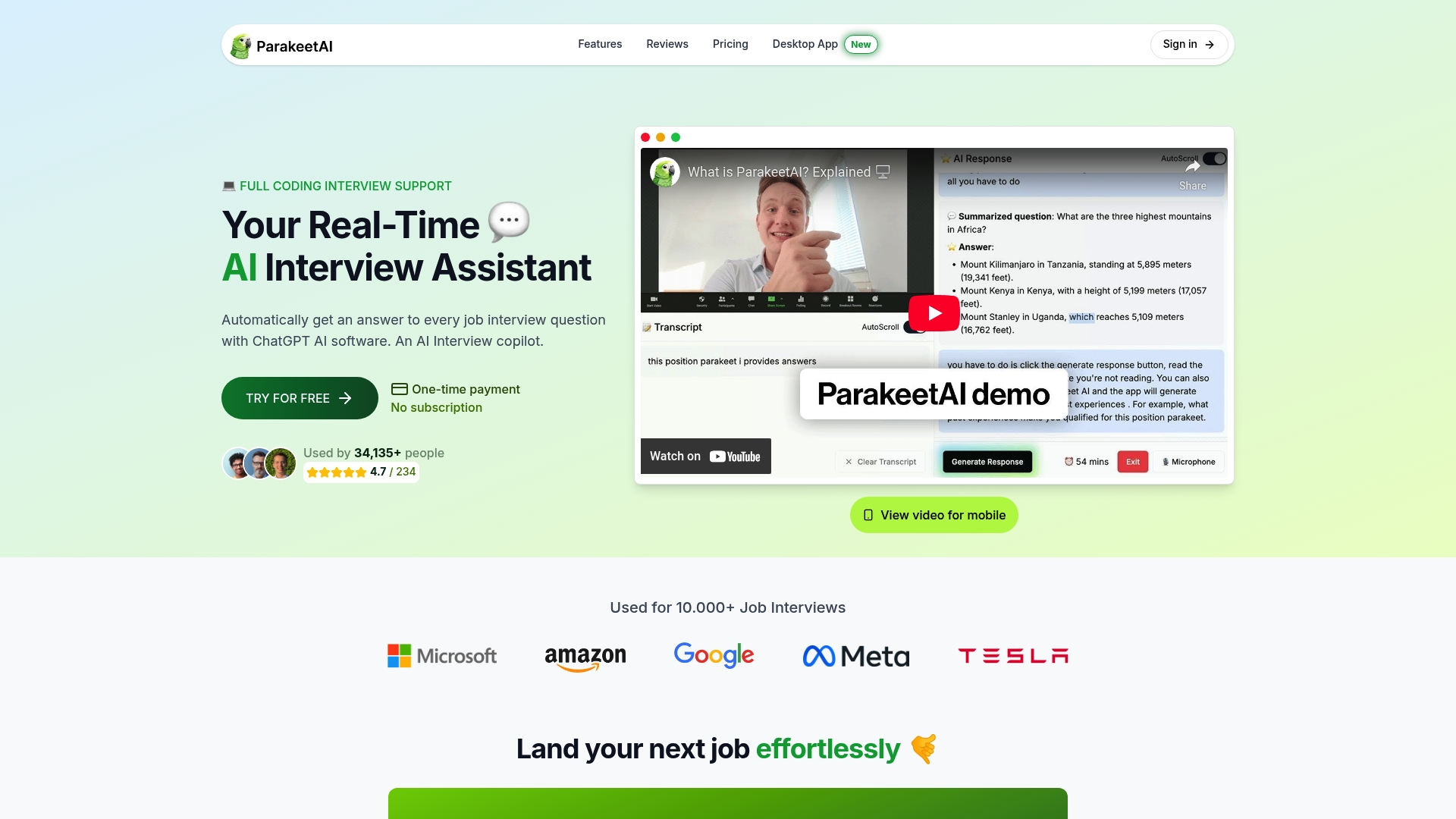
Parakeet-ai is a real-time AI interview assistant that listens to your interview and automatically generates answers to every question as it happens. For job seekers preparing for pre-recorded video interviews, that means you can practice with realistic question prompts and get instant, structured response guidance before you ever hit record on the real thing. The platform is built for candidates who want to walk into any video interview format with confidence, not guesswork. Visit Parakeet-ai to see how it fits into your interview preparation.
FAQ
What is a pre-recorded video interview?
A pre-recorded video interview is an asynchronous assessment where candidates record answers to set questions alone, with no live interviewer. Platforms like HireVue and Spark Hire deliver the questions, and candidates submit recordings before a deadline.
How long should answers be in a pre-recorded interview?
Most platforms set a 2 to 3 minute limit per question. Exceeding that limit is one of the most common reasons candidates are rejected, so practice timing every answer before the real session.
What questions are most common in pre-recorded video interviews?
The most frequent pre-recorded interview questions include “Tell me about yourself,” “Why this role,” and behavioral prompts like “Describe a workplace challenge.” Behavioral questions are best answered using the STAR method.
Does body language matter in a one-way video interview?
Body language matters significantly. AI evaluation systems analyze micro-expressions and vocal pacing, and looking at the screen instead of the camera lens reduces perceived eye contact, which hurts your overall impression.
How should I prepare my setup for a recorded interview?
Test your camera, microphone, and internet connection at least 15 minutes before the session starts. Use front-facing natural light, a neutral background, and full professional attire to create a strong visual impression from the first frame.