
Resume Review Checklist: Boost Callbacks by 35% Structure

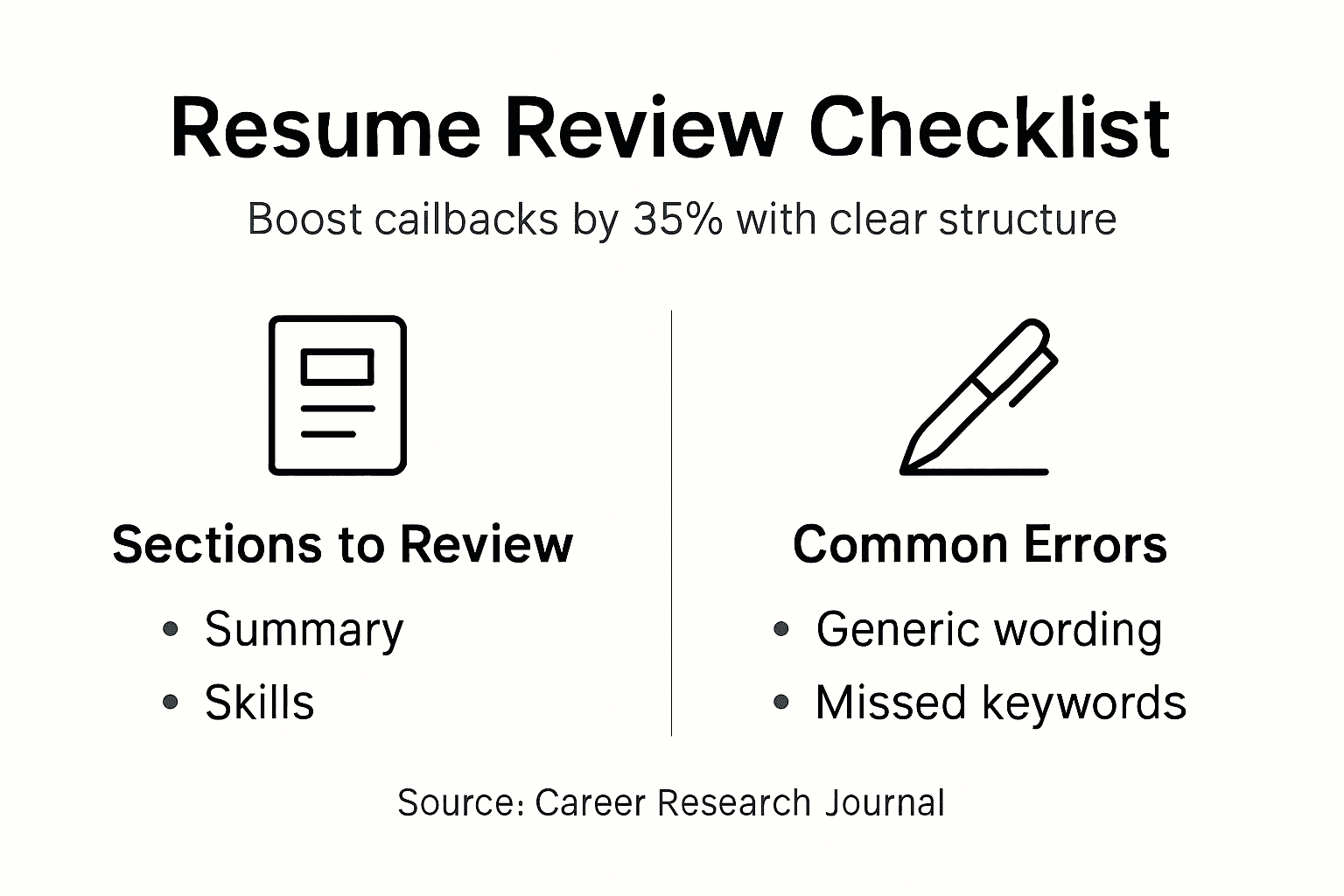
A structured resume review increases recruiter callbacks by 35%. Yet most job seekers submit resumes riddled with formatting errors, generic descriptions, and ATS barriers that silently kill their chances. This guide delivers a proven checklist to transform your resume into a recruiter magnet, covering essential sections, ATS optimization, common mistakes, and practical review steps that land more interviews.
Table of Contents
- Why A Structured Resume Review Matters
- Key Sections To Review In Your Resume
- ATS Optimization: Format And Keywords
- Common Mistakes And Misconceptions In Resume Writing
- Practical Steps For Self-Review And Tools
- Enhance Your Job Search With AI-Powered Interview Tools
- FAQ
Key Takeaways
| Point | Details |
|---|---|
| Structured checklists increase recruiter callbacks by 35% | Systematic review ensures consistency, relevance, and completeness across all resume sections. |
| Tailoring resumes with keywords improves ATS success by 65% | Job description keywords help your resume pass electronic screening filters. |
| Simple, clean formatting increases recruiter satisfaction by 30% | Avoiding complex designs and graphics improves both ATS parsing and human readability. |
| Long resumes can reduce recruiter interest by up to 50% | Keeping resumes concise at one to two pages maximizes engagement. |
| Using automated tools with manual checks reduces errors by 45% | Combining software assistance with human judgment catches subtle mistakes. |
Why a Structured Resume Review Matters
Resumes without systematic review fail at alarming rates. Research shows that structured checklists improve resume quality by ensuring consistency, relevance, and completeness across contact info, summary, experience, and education sections. This methodical approach leads to 35% higher recruiter callbacks compared to unreviewed resumes.
Common resume errors reduce recruiter engagement by 25%. These mistakes include:
- Inconsistent formatting that distracts from content
- Generic descriptions lacking quantified achievements
- Missing or outdated contact information
- Irrelevant experience that dilutes your value proposition
- Spelling and grammar errors signaling carelessness
Applicant Tracking Systems compound these problems. When your resume lacks proper keywords or uses incompatible formatting, ATS software rejects it before human eyes ever see your qualifications. Over 75% of resumes never reach recruiters because of ATS failures.
“Structured resume review checklists improve resume quality by ensuring consistency, relevance, and completeness across core sections such as contact info, summary, experience, and education.”
Systematic review solves this. By following a proven checklist, you catch errors that automated systems flag and polish content that recruiters value. The process takes 30 minutes but can mean the difference between silence and interview invitations. Pairing your resume review with solid interview preparation tips creates a complete job search strategy that works.
Key Sections to Review in Your Resume
Your resume checklist should cover five critical components. Each section requires specific attention to maximize impact with both ATS and human reviewers.
- Contact Information: Verify your name, phone number, email, and LinkedIn URL appear at the top. Use a professional email address, not outdated handles from high school. Ensure your phone number includes the correct area code and your LinkedIn profile is current.
- Professional Summary: Tailor this 3-4 sentence paragraph to each role using keywords from the job description. Highlight your most relevant skills and quantified achievements. Skip generic statements like “hard-working professional seeking opportunities.” Instead, write “Marketing manager with 7 years driving 40% revenue growth through data-driven campaigns.”
- Work Experience: List positions in reverse chronological order with company names, dates, and locations. Under each role, use bullet points starting with strong action verbs. Quantify achievements whenever possible: “Increased sales by 25%” beats “Responsible for sales growth.” Focus on results, not just duties.
- Education and Certifications: Include degree type, major, institution, and graduation year. Add relevant certifications with issuing organizations and dates. Recent graduates can list relevant coursework or honors. Mid-career professionals should keep this section brief unless credentials directly impact the target role.
- Formatting and Readability: Use consistent fonts, heading styles, and spacing throughout. Choose standard fonts like Arial, Calibri, or Times New Roman in 10-12 point size. Maintain clear section breaks with bold headings. Keep margins at 0.5-1 inch for balanced white space.
Pro Tip: Keep your summary concise at 3-4 sentences and aligned with your job target for better ATS scoring. Generic summaries hurt more than they help.
Research confirms that checklist users see 35% more recruiter callbacks when they systematically review these sections. The resume preparation process works best when you follow a stepwise resume review process that covers every component methodically.

ATS Optimization: Format and Keywords
Applicant Tracking Systems scan your resume before humans see it. Understanding ATS-friendly formatting and strategic keyword placement dramatically improves your chances of passing electronic screening.
Formatting best practices for ATS compatibility:
- Use standard section headings like “Work Experience,” “Education,” and “Skills” instead of creative alternatives
- Avoid headers, footers, tables, and text boxes that confuse parsing algorithms
- Skip images, graphics, charts, and logos that ATS cannot read
- Save your resume as .docx or PDF formats, checking job posting requirements
- Use simple bullet points rather than special characters or symbols
Keyword integration boosts your ATS match rate by 65%. Studies show that including job description keywords increases your chances of passing electronic filters significantly. Here’s how to choose and integrate keywords effectively:
- Extract key skills, qualifications, and requirements directly from job postings
- Incorporate exact phrases from the description naturally throughout your resume
- Place important keywords in your summary, skills section, and work experience
- Avoid keyword stuffing that makes content awkward or unnatural
- Use both acronyms and full terms when relevant (e.g., “SEO” and “Search Engine Optimization”)
| ATS-Friendly Features | ATS-Unfriendly Features |
|---|---|
| Standard fonts (Arial, Calibri) | Decorative or script fonts |
| Simple bullet points | Tables and text boxes |
| Clear section headings | Headers and footers |
| Plain text formatting | Images and graphics |
| Standard file formats (.docx, PDF) | Unusual file types |
| Keywords matching job description | Generic buzzwords |
Simple clean layouts increase readability and recruiter satisfaction by 30%, whereas overly complex designs reduce ATS compatibility. Standard section headings help parsing algorithms categorize your information correctly, improving your match score.
Pro Tip: Use standard industry headings like “Professional Experience” and “Technical Skills” to improve ATS parsing accuracy. Creative headings like “My Journey” confuse algorithms.
Understanding AI resume screening insights and the role of AI in resume screening helps you optimize for both electronic and human review stages.
Common Mistakes and Misconceptions in Resume Writing
Job seekers repeat the same resume mistakes based on outdated advice or misconceptions. Knowing what to avoid saves you from silent rejection.
Myth: Longer resumes demonstrate more experience and value. Reality: Resumes exceeding two pages reduce recruiter interest by up to 50%. Recruiters spend 6-7 seconds on initial resume scans. Concise, relevant content wins. Keep your resume to one page for early career roles and two pages maximum for senior positions.
Myth: Fancy visuals, colors, and graphics make resumes stand out positively. Reality: Complex design elements decrease ATS compatibility and can lower recruiter satisfaction by 30%. Visual elements confuse parsing software and distract from your qualifications. Clean, simple formatting shows professionalism and ensures both systems and people can read your content.
Myth: A generic resume works for multiple applications, saving time. Reality: Tailored resumes with job-specific keywords score 65% higher with ATS. Generic resumes signal low interest and effort to recruiters. Spending 15 minutes customizing your summary and experience bullets for each application dramatically improves response rates.
“Resumes longer than two pages reduce recruiter interest by up to 50%.”
Additional mistakes to avoid:
- Using duty-focused descriptions instead of achievement-focused bullet points
- Including objective statements that waste valuable space
- Listing references or writing “References available upon request”
- Adding irrelevant hobbies or personal information
- Using passive voice that weakens your accomplishments
- Neglecting to proofread for typos and grammar errors
Quantified achievements outperform generic descriptions every time. “Managed a team” is weak. “Led 12-person team to exceed quarterly targets by 30%” demonstrates concrete impact. Learn more about common resume errors to avoid to strengthen your application materials.
Practical Steps for Self-Review and Tools
Following a systematic checklist reduces review errors by 45%. Research confirms that stepwise approaches catch mistakes missed in casual reviews. Here’s your practical review process:
- Review Contact Information: Confirm your name, phone number, email, and LinkedIn URL are current and prominently displayed. Test that your email address is professional and your LinkedIn profile is complete.
- Evaluate Your Summary: Read your professional summary aloud. Does it include specific keywords from your target job? Does it quantify your value with numbers? Revise vague statements into concrete achievements.
- Audit Work Experience: Check each position for company name, dates, and location accuracy. Verify that bullet points start with strong action verbs and include quantified results. Remove duties; focus on accomplishments.
- Assess Formatting Consistency: Scan for uniform font sizes, heading styles, and spacing. Ensure bullet points align properly. Confirm margins are balanced and white space is distributed evenly.
- Conduct Final Proofreading: Read your resume backwards sentence by sentence to catch typos. Use spell-check but don’t rely on it exclusively. Have a trusted friend review for clarity and errors.
Automated tools can assist your review process when used properly. Resume scanners identify missing keywords, formatting issues, and ATS compatibility problems. However, software cannot replace human judgment for tone, relevance, and strategic positioning.
Pro Tip: Use software to identify unclear wording but always personalize final edits. Automated suggestions may not capture your unique value proposition or industry nuances.
Balancing technology and human review produces the best results. Let tools flag technical errors while you focus on strategic content decisions. The stepwise resume review checklist combined with automated resume review tools creates a comprehensive quality control process.
Enhance Your Job Search with AI-Powered Interview Tools
Your polished resume opens doors, but interviews determine outcomes. Once you’ve mastered resume review with structured checklists, extend those gains into interview preparation with AI-driven coaching.
Real-time interview assistants listen to your conversations and provide instant answer suggestions, helping you respond confidently to unexpected questions. These tools analyze your speech patterns, suggest improvements, and build your communication skills through practice.
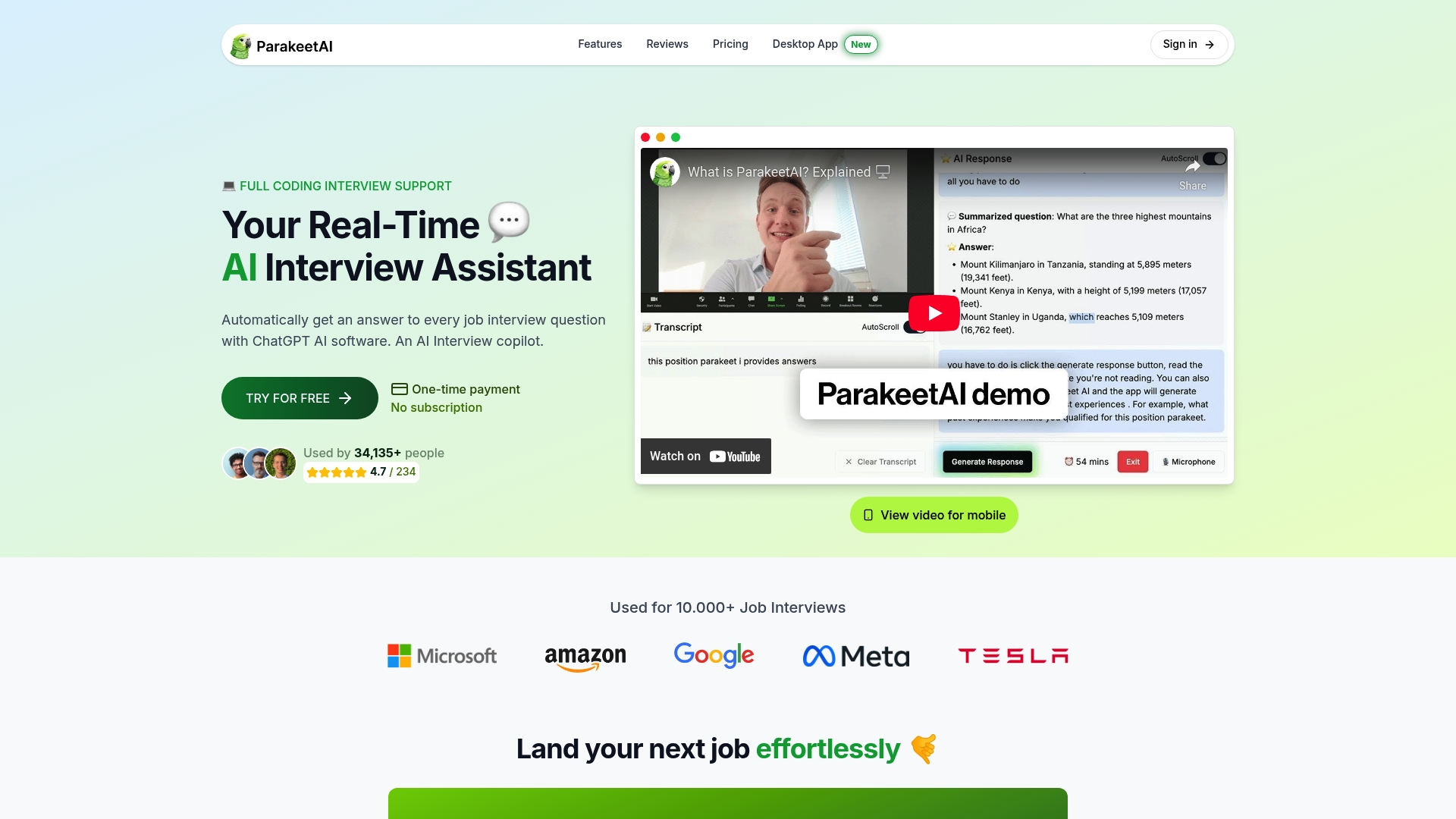
ParakeetAI delivers intelligent interview support that complements your resume work. Our platform offers real-time feedback during mock interviews, identifies areas for improvement, and coaches you through challenging scenarios. By combining systematic resume review with AI job interview assistants, you create a complete competitive advantage.
Explore AI-based coaching for interviews and comprehensive interview preparation guidance to maximize your job search success from application through offer.
FAQ
How often should I update my resume review checklist?
Review and update your checklist for every job application, tailoring keywords and achievements to match specific requirements. Conduct a comprehensive review quarterly even when not actively job searching to keep content current and catch formatting drift.
Can automated tools replace manual resume reviews?
Automated tools excel at identifying ATS compatibility issues and technical errors but cannot replace human judgment for strategic positioning and tone. Use software to flag problems, then apply personal expertise to craft compelling narratives that reflect your unique value.
What’s the ideal resume length for mid-career professionals?
Mid-career professionals should target two pages maximum, focusing on the most recent 10-15 years of experience. Prioritize achievements relevant to your target role and cut early-career positions to brief mentions or eliminate them entirely if space is tight.
How do I identify the right keywords for ATS?
Extract keywords directly from job descriptions, focusing on required skills, qualifications, software names, and industry terms. Look for repeated phrases across multiple similar postings to identify essential terminology, then integrate these naturally throughout your summary and experience sections.
Should I tailor my resume for every job application?
Yes, tailoring dramatically improves success rates by increasing ATS match scores by 65% and demonstrating genuine interest to recruiters. Spend 15-20 minutes customizing your professional summary, reordering experience bullets for relevance, and adjusting your skills section to mirror each job description.