One-way video interview tips: ace your digital interview
TL;DR:One-way video interviews are asynchronous recordings evaluated without live interaction, streamlining screening processes.Proper setup, practice, and authentic presentation are crucial to making a positive impression.Mastering this format enhances communication skills valuable for broader remote and professional contexts.
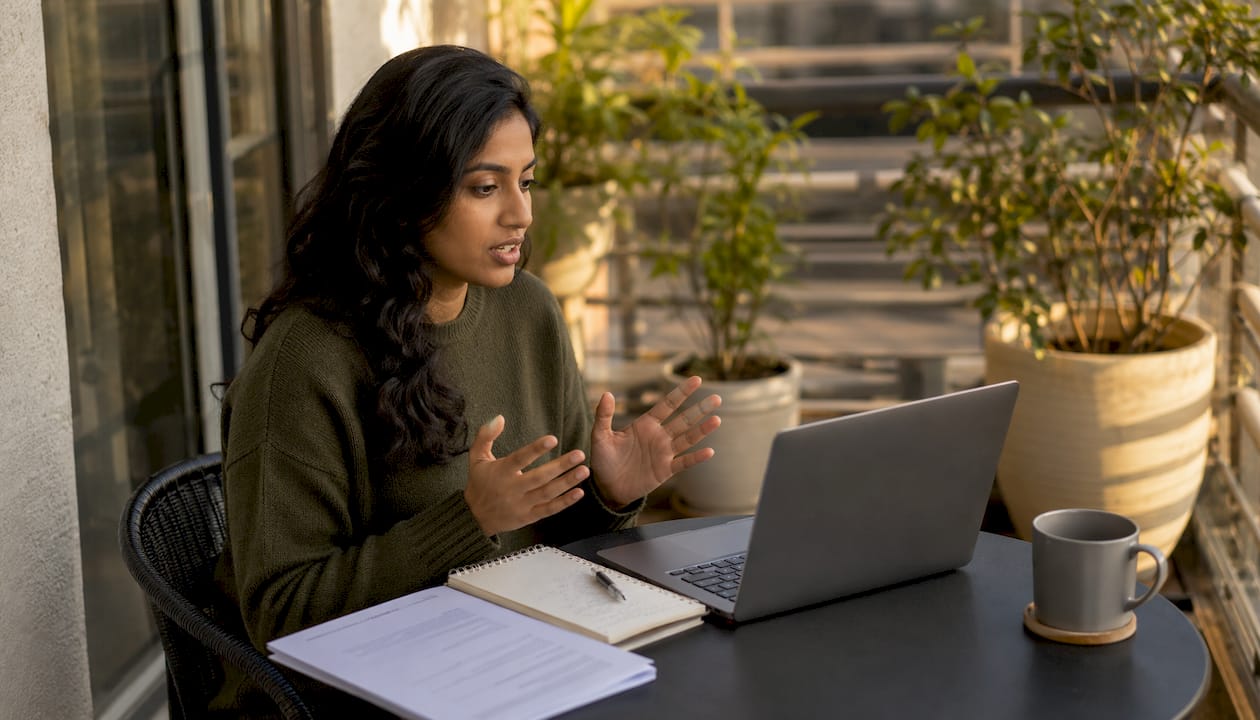
Recording yourself answering job interview questions alone in a room, with no interviewer to read, no natural back-and-forth, and a countdown timer staring at you, is genuinely uncomfortable. Most candidates underestimate how different this format feels from a live conversation. But here’s the good news: one-way video interviews follow predictable patterns, and with the right preparation, you can walk into every recording session feeling calm, confident, and ready to impress. This guide covers everything from tech setup to common mistakes, so you know exactly how to stand out before a human or AI ever reviews your footage.
Table of Contents
- What is a one-way video interview?
- Essential tools and setup for your interview
- How to practice and present your best self
- Common mistakes and how to avoid them
- What to expect after submitting your interview
- Why mastering one-way video interviews matters more than you think
- Level up your digital interview skills with ParakeetAI
- Frequently asked questions
Key Takeaways
| Point | Details |
|---|---|
| Understand the process | One-way video interviews let employers efficiently screen many candidates for open roles. |
| Prepare your environment | A quiet, well-lit space and tested tech setup help you present your best self on camera. |
| Practice makes perfect | Rehearsing answers and reviewing your recordings helps reduce nerves and increase clarity. |
| Avoid common pitfalls | Watching out for rushed answers or tech mishaps can make your video stand out. |
| Use feedback to grow | AI-driven tools and feedback can pinpoint areas to improve before you submit. |
What is a one-way video interview?
Let’s start by clarifying exactly what a one-way video interview involves.
A one-way video interview, sometimes called an asynchronous video interview, is a recorded interview where you answer pre-set questions on your own time, without a live interviewer on the other side. You log into a platform, read or hear each question, get a brief preparation window, and then record your answer within a set time limit. The employer reviews your submission later, on their schedule.
This format is different from a Zoom or Teams call in one important way: there is no live interaction. You cannot ask for clarification, read body language, or adjust your tone based on real-time feedback. Every answer you record is evaluated on its own merits.
Employers use one-way video interviews to efficiently screen many candidates without scheduling dozens of separate calls. From a hiring perspective, it saves hours of recruiter time and lets teams evaluate applicants at their own pace.
Here is why companies prefer this format:
- Consistency: Every candidate answers the same questions in the same format, making comparisons fairer
- Efficiency: Recruiters can review ten responses in the same time it would take to conduct two live calls
- Flexibility: Candidates can record during their preferred hours, not just business hours
- Scalability: A single job posting can attract hundreds of applicants, and one-way video interviews make screening that volume manageable
“One-way video interviews allow employers to assess a candidate’s communication style, enthusiasm, and fit without the logistical burden of coordinating live calls. They are quickly becoming a standard first-round tool across industries.”
Understanding why employers use this format helps you approach it strategically. You are not just talking at a camera. You are creating a recorded first impression that needs to stand on its own, without the safety net of a real conversation.
Essential tools and setup for your interview
Once you know what to expect, getting your environment and equipment right is crucial.
The most polished answer in the world loses impact if it is delivered with a blurry camera, choppy audio, or a cluttered background. Technical problems signal carelessness to recruiters, even if they are not your fault. Getting your setup right before you hit record is one of the simplest ways to give yourself an immediate edge.
Proper lighting, clear sound, and a neutral background are essential for digital interview success. Here is what your basic checklist should cover:
- A camera at eye level (built-in laptop cameras work, but a USB webcam is sharper)
- A microphone or headset that reduces ambient noise
- A stable internet connection, ideally wired rather than Wi-Fi
- Neutral, uncluttered background or a clean virtual background
- Front-facing lighting, such as a ring light or a lamp positioned in front of you
- Charged devices and all platform software tested in advance
| Item | Purpose | Quick fix |
|---|---|---|
| Webcam | Clear video quality | Use a USB webcam if laptop camera is blurry |
| Microphone | Clean audio without echo | Use earbuds with a built-in mic if needed |
| Stable connection | Prevents buffering or drops | Run a speed test; switch to wired if possible |
| Ring light | Eliminates shadows on face | Position a desk lamp facing you at eye level |
| Neutral background | Removes visual distractions | Use a plain wall or a solid virtual background |
| Charged device | Avoids mid-interview shutdown | Plug in and disable sleep mode before starting |
Beyond equipment, think about your environment. Close all browser tabs except the interview platform. Turn off phone and computer notifications. Let anyone in your home know you need quiet for a set window of time. These small actions eliminate the most common interruptions that derail otherwise strong recordings.
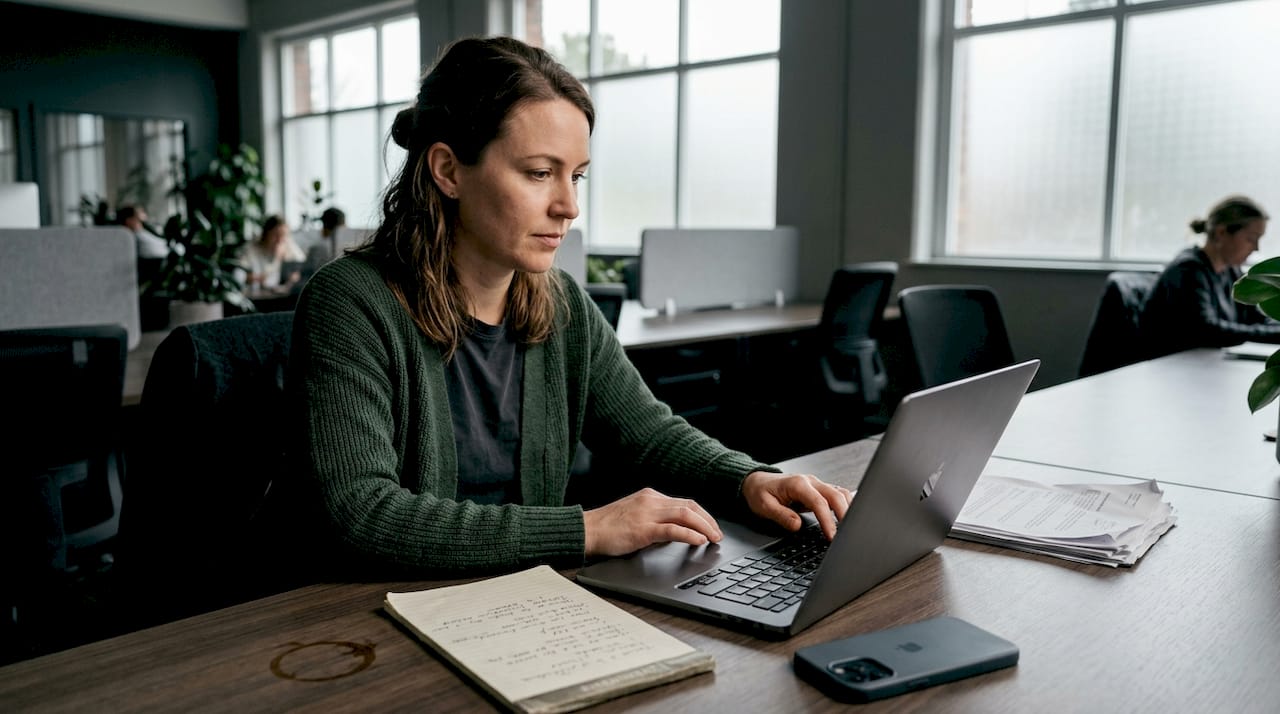
Pro Tip: Do not just test your setup alone. Ask a friend to hop on a video call so they can describe exactly how you look and sound from their end. What looks fine on your own screen can appear dark, echoed, or pixelated to someone else. A real test with a real viewer catches problems you would never notice solo.
Review top setup practices to make sure your environment matches employer expectations before you ever press record.
How to practice and present your best self
With your setup tested, let’s focus on how you can practice for a polished, natural performance.
Preparation for a one-way video interview is not just about knowing your content. It is about feeling comfortable enough on camera that your personality comes through naturally. That takes repetition. Practicing answers aloud reduces anxiety and increases clarity, and that result is backed by interview coaches and communication researchers alike.
Here are the steps to rehearse effectively:
- Identify likely questions. Research the company, review the job description, and compile a list of common behavioral and role-specific questions. Focus on questions about strengths, challenges, and situational scenarios.
- Draft bullet-point frameworks, not scripts. Write three to four key points you want to hit for each question. Scripts make you sound robotic. Frameworks keep you structured but natural.
- Record yourself answering each question. Use your phone camera or laptop to capture test responses. Watch them back critically, focusing on eye contact, pacing, and whether your point came across clearly.
- Time your responses. Most platforms set limits between 60 and 120 seconds. Practice delivering complete, tight answers within that window.
- Adjust based on what you see. If you notice you are looking down at notes, looking to the side, or speaking too quickly, correct it in your next take. Treat each review as a coaching session.
- Repeat until it feels natural. You should be able to answer common questions fluently without sounding memorized.
Body language matters as much as your words. Look directly into the camera lens, not at your own image on screen. This creates the illusion of direct eye contact with the viewer, which signals confidence and engagement. Keep your posture upright and your shoulders relaxed. Avoid fidgeting, excessive hand gestures, or glancing at offscreen notes.
AI-powered interview feedback tools can analyze your recordings and give you specific notes on word choice, filler word frequency, pacing, and tone. This kind of objective feedback is far more useful than simply watching your own recording and hoping for the best.
Pro Tip: Record 90-second clips for just three or four questions, then review them the next morning with fresh eyes. Distance from your own recordings makes it easier to spot the problems you would overlook immediately after filming.
Common mistakes and how to avoid them
Even great preparation can stumble on simple mistakes. Let’s address the most common ones and smart fixes.
Rushed answers, looking at offscreen notes, and tech hiccups are among the most typical pitfalls candidates encounter. Many of these are avoidable with awareness and a bit of practice. Understanding how AI scores interviews can also help you understand what signals matter most in the automated review stage.
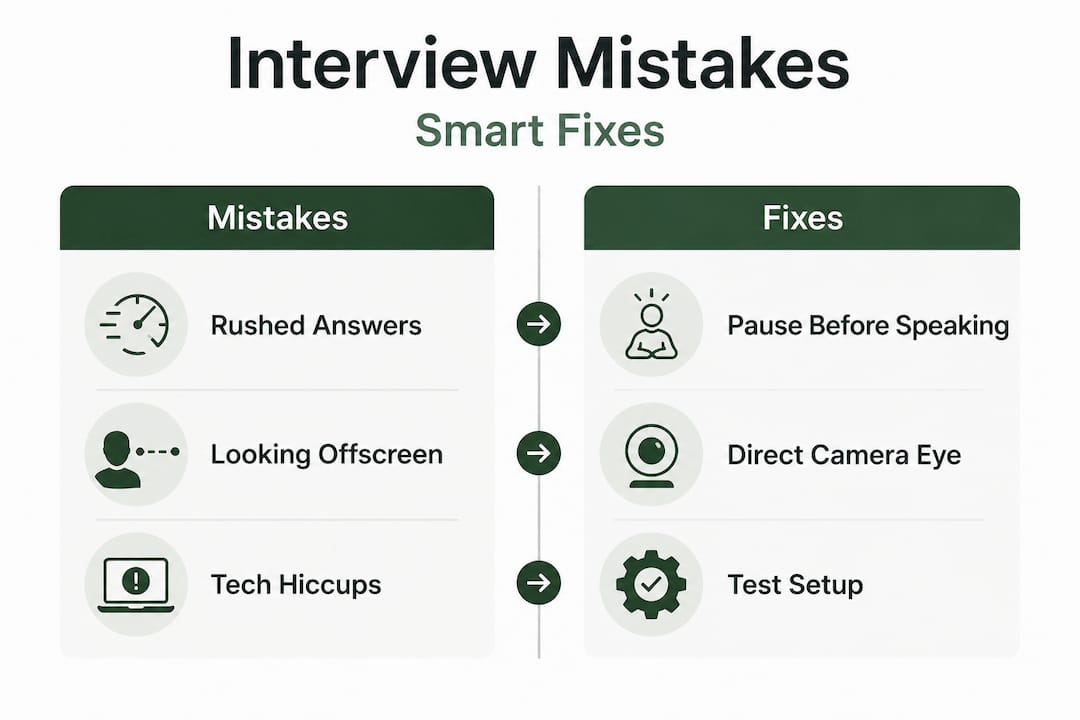
Here are the top mistakes and exactly how to fix each one:
| Common mistake | Why it hurts you | How to fix it |
|---|---|---|
| Rushing through answers | Appears nervous; reduces clarity | Pause deliberately before speaking; speak slower than feels natural |
| Looking away from the camera | Signals distraction or dishonesty | Place a sticky note near your lens as a visual anchor |
| Reading from a script | Sounds flat; loses engagement | Use bullet-point notes only; practice until the flow is natural |
| Poor lighting or background | Creates a negative first impression | Set up lighting in advance; check your feed before recording |
| Going over the time limit | Looks unprepared and unfocused | Time every practice answer; cut the unnecessary parts |
| Starting without a clear structure | Rambling response loses the reviewer | Open with a one-line summary, then explain, then close with impact |
The authenticity problem is real. Many candidates try so hard to sound impressive that they lose their natural voice entirely. Employers reviewing dozens of video responses quickly notice the difference between someone speaking genuinely and someone performing a role. Focus on being clear and specific rather than perfect and polished.
“First impressions form within seconds, even on video. Candidates who project confidence, warmth, and clarity from the very first frame are far more likely to advance to the next stage, regardless of how sophisticated their answers are.”
If your opening five seconds are strong, you immediately shift the reviewer’s perception in your favor. Start with presence, not pleasantries.
What to expect after submitting your interview
Submitting your video isn’t the end. Here’s what actually happens next and how to keep improving.
Once you click submit, the process moves to the employer’s side. Many companies use AI to assess one-way video interviews, prioritizing unbiased evaluation and efficient shortlisting. This means your recording may be reviewed algorithmically before a human ever watches it. Understanding this changes how you should think about consistency and presentation.
Here is what typically happens after submission:
- Automated analysis evaluates vocal patterns, facial expressions, keyword usage, and response structure
- Scoring or ranking places your submission relative to other applicants in the pool
- Human review follows for candidates who pass the initial screening threshold
- Recruiter decisions are made, and you are either advanced, placed on hold, or declined
- Feedback may or may not be provided, depending on the employer’s process
Timeline expectations vary widely. Some employers review submissions within 48 hours. Others batch reviews at the end of a two-week application window. Do not read silence as rejection. Most hiring teams are simply moving through a high volume of applications.
While you wait, take these actions:
- Continue applying to other roles so no single outcome carries too much weight
- Reflect on how your responses felt and note what you would improve next time
- Research the company further so you are ready if a live interview follows
- Use the wait time to refine your practice with feedback tools so your next submission is even stronger
The post-submission period is also an ideal time to request or review any AI’s role in candidate scoring insights your platform provides. Some services offer automated feedback reports you can access immediately after submitting.
Why mastering one-way video interviews matters more than you think
Most candidates treat one-way video interviews as a minor hurdle to clear on the way to the “real” interview. That framing undersells how much this skill actually matters for your broader career.
The ability to communicate confidently on camera is no longer optional in modern professional life. Remote work, distributed teams, digital presentations, and online networking have made on-camera communication a foundational skill. Getting good at it for job interviews means you are also building a muscle that pays off in client pitches, internal presentations, and video content for your industry.
There is also a compounding confidence effect. Candidates who practice one-way video interviews consistently report feeling significantly less anxious during live video and in-person interviews. When you have recorded yourself dozens of times, sat with the discomfort, and watched your own performance improve, a live interview feels far less intimidating. You have already done the hard work in private.
Automated feedback insights make the improvement process measurable. Instead of vague impressions about how a recording felt, you get specific data: filler word counts, speaking pace, response length, and sentiment signals. That kind of concrete feedback accelerates growth faster than repetition alone.
Video interview AI is expanding rapidly, not contracting. More employers are adding asynchronous screening to their hiring process every year. Candidates who adapt now will carry a real competitive advantage into every future application. The effort you put into this format today is not just for the role you are applying for right now. It is an investment in how you show up professionally for years to come.
Do not wait until you land an interview to start practicing. The candidates who stand out are the ones who treated their tenth recording like a practice run, not their first.
Level up your digital interview skills with ParakeetAI
Knowing the tips is one thing. Putting them into consistent practice with real feedback is where the real improvement happens.
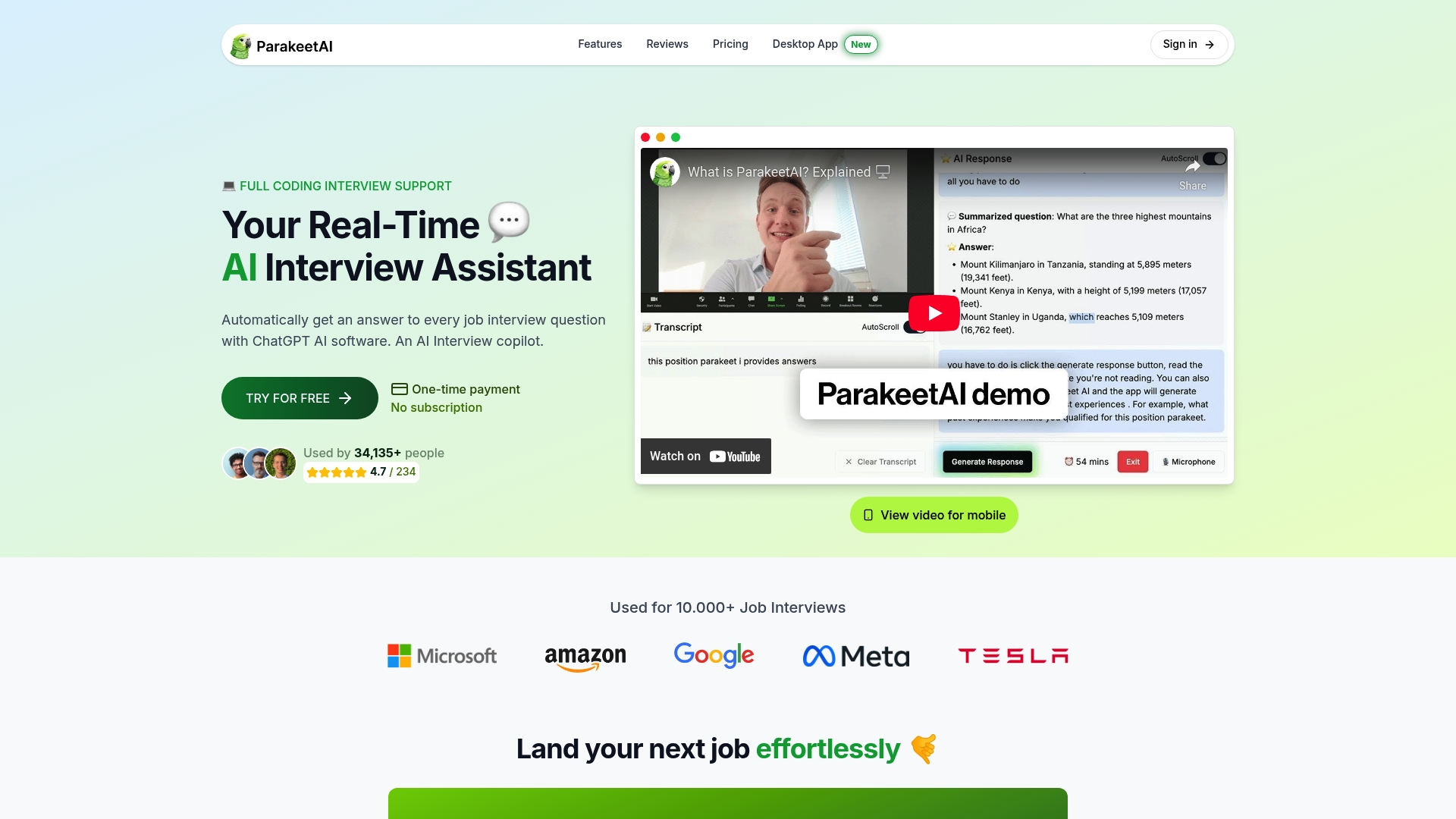
ParakeetAI is built specifically to help job seekers perform better in interviews, including one-way video formats. The platform’s AI-powered tools give you instant, specific feedback on your responses so you know exactly what to improve before your actual submission. Instead of guessing whether your pacing was too fast or your answer too vague, you get clear analysis that tells you where to focus. Visit parakeet-ai.com to explore how personalized AI coaching can help you walk into your next video interview ready to make a strong, lasting impression.
Frequently asked questions
How long are one-way video interview responses usually?
Most responses are between 1 and 2 minutes, but always check the employer’s specific platform instructions since limits can vary by question.
What if I make a mistake during the recording?
Some platforms allow re-recording, but many one-way interview systems give only one recording attempt, so practicing thoroughly before you start is essential.
Can AI reject me before a human sees my video?
Yes, many companies use AI to screen and shortlist one-way interview submissions before a human recruiter ever reviews the video.
How can I stand out in a one-way video interview?
Speak clearly, look directly at the camera lens, express genuine enthusiasm for the role, and structure your answers with a clear opening point, supporting detail, and a strong close.
Is it okay to use notes during my responses?
Brief reference notes are acceptable as a safety net, but reading verbatim will make your delivery sound flat and scripted, so aim to speak naturally using only key bullet points as a guide.